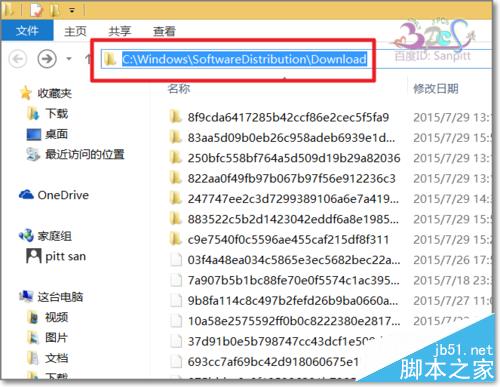
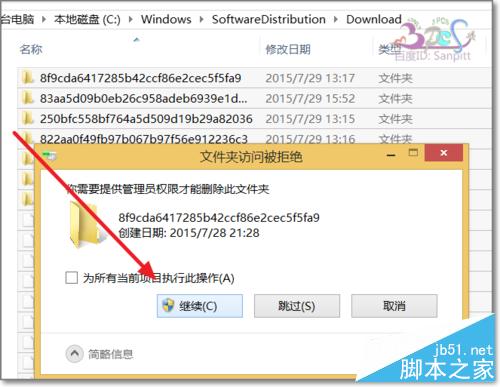
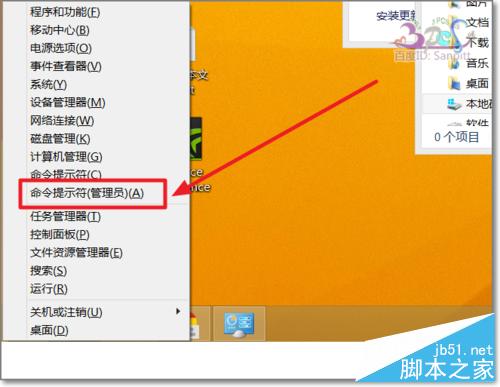
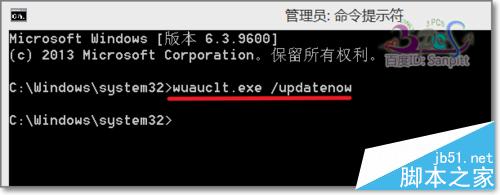
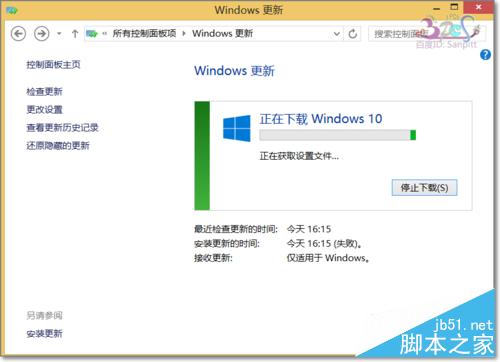
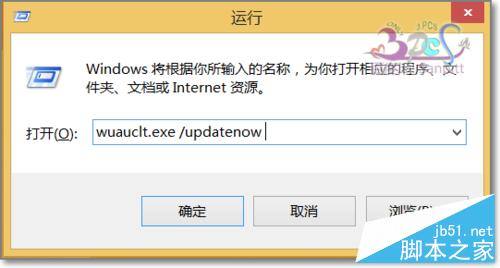
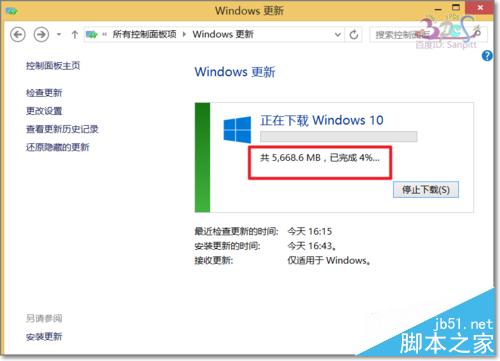
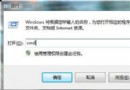
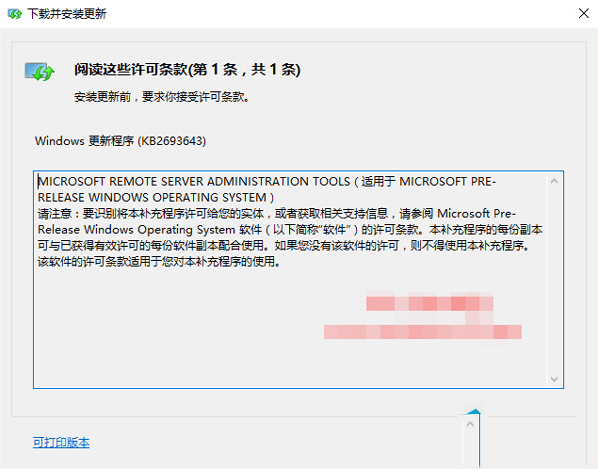
微軟採分批推送 Win10 升級,導致許多預約用戶遲遲收不到更新。透過清除更新快取與執行命令可強制觸發下載:
C:\Windows\SoftwareDistribution\Download
wuauclt.exe /updatenow
執行後即可跳過分批排程,優先獲得 Win10 升級推送。
Win10 螢幕亮度調整教學:四步透過個人化設定完成
Unix 作業系統詳解:歷史、分支與主要商業版本
Windows 7 新增額外時區時鐘教學:任務列同時顯示兩地時間
Win10 開機藍屏 BAD_SYSTEM_CONFIG_INFO 怎麼修?命令提示字元修復 BCD 引導檔教學
Win10 桌面圖示與工作列消失?重新啟動 Explorer.exe 秒速恢復
Windows 8.1 升級失敗解決:缺 KB2871389 更新、ISO 掛載改硬碟安裝
Win10/WP8.1 微軟帳戶恢復代碼重要性:帳戶被盜/鎖定時的最後救命稻草
Windows 系統 .bat 批次檔預設開啟方式錯誤修復教學