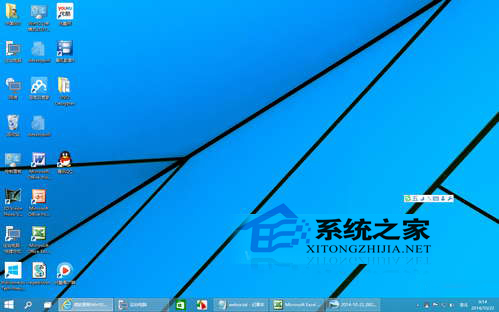
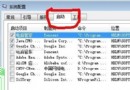
Windows 10 偶爾會出現桌面圖示、工作列、開始選單全數消失的情況,主因是 explorer.exe(Windows 檔案總管)異常終止。透過工作管理器重新啟動即可秒速恢復。
explorer.exe
explorer
修改 Windows 8 視窗標題列字型大小
Win10 如何設定登入密碼策略?強制定期更換與複雜度需求完整教學
Win10 vs Win7 深度對比:新系統究竟好在哪?升級前必看分析
Aero Glass 10240 毛玻璃工具下載 讓 Win10 RTM 找回透明視覺
Win10 Build 9860 內建 MKV 視訊支援:WMP 忽略警告即可播放,Win8.1 無法做到
XP 啟用休眠提示「拒絕存取」?關閉再開啟休眠或刪除 hiberfil.sys 解決
Win10 桌面顯示「控制台」圖示:設定 → 個人化 → 主題 → 桌面圖示設定 勾選即可
常用伺服器服務連接埠速查表 (Windows / Linux)