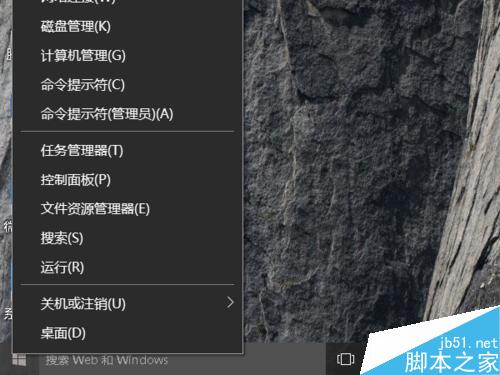
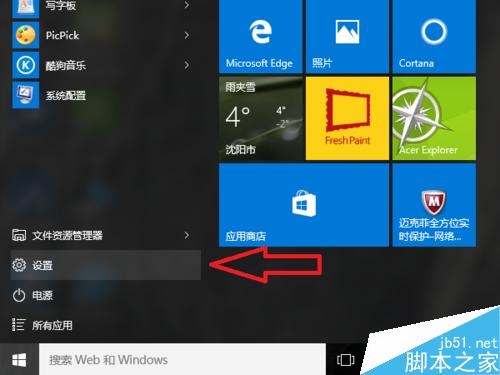
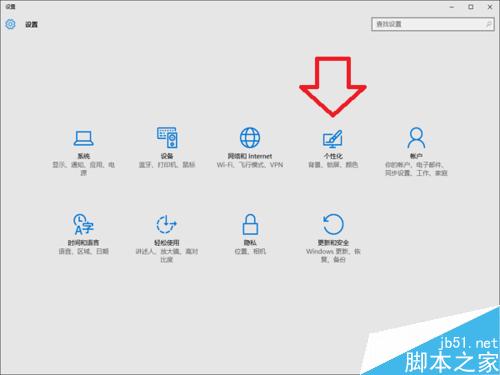
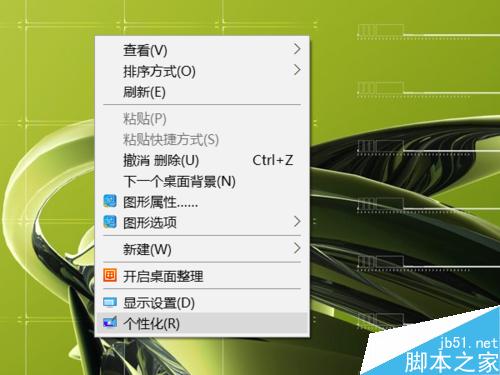
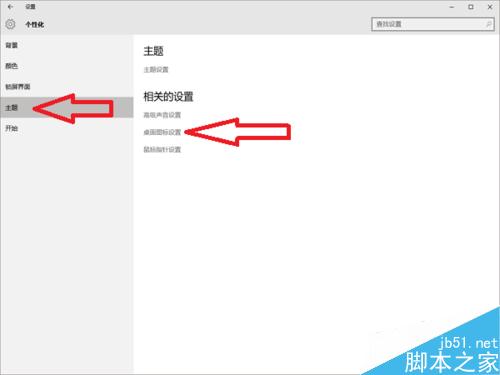
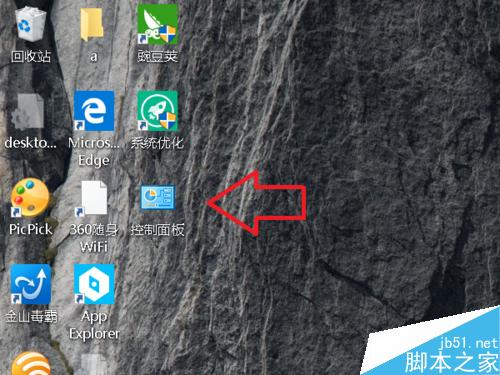
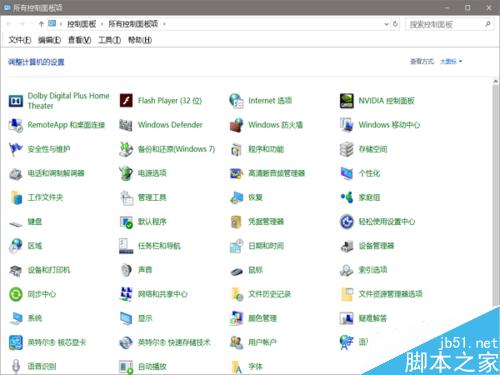
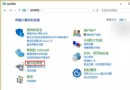
Win10 控制台入口隱藏較深,常用者可將圖示釘在桌面,單擊即達,省去多層選單。
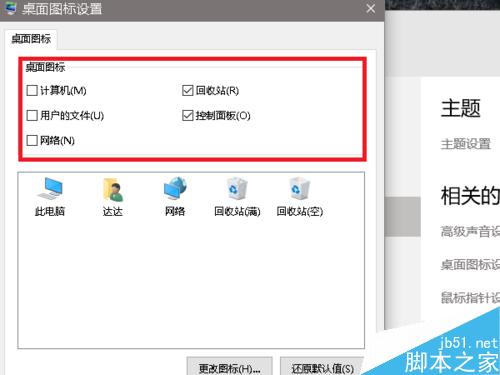
同步可勾選:電腦、使用者的檔案、網路、回收站等常用圖示。
Windows 合併多套主題桌布圖片:複製 DesktopBackground 資料夾內容到單一主題目錄
Win10 事件檢視器怎麼開啟?兩種快速開啟方法圖解
Win7 硬盤指示燈狂閃?三大「硬盤殺手」服務一鍵禁用
Win8 首次開機黑屏、必須強制關機二次開機?關閉「快速啟動」即可解決
Win10 续航实测:大多场景优于 Win8.1,但后台更新导致波动大
Win10 技術預覽版 Build 9880 曝光:即將推送給 Insider 會員
Win7 持續彈出「Microsoft 裝置健康小幫手」視窗?點選「暫不升級」永久關閉教學
Win10 遊戲相容性超越 WinXP,7 月 29 日正式上市