Windows XP Windows 7 Windows 2003 Windows Vista Windows 綜合教學 Linux 系統教學
Windows 10 Windows 8 Windows 2008 Windows NT Windows Server 電腦軟體教學
您现在的位置: Windows教程網 >> Windows教程 >  >> Windows 綜合教學 >> 關於 Windows

Windows 8 安裝媒體中心:輸入產品金鑰 MBFBV-W3DP2-2MVKN-PJCQD-KKTF7 免費加裝

編輯:關於 Windows

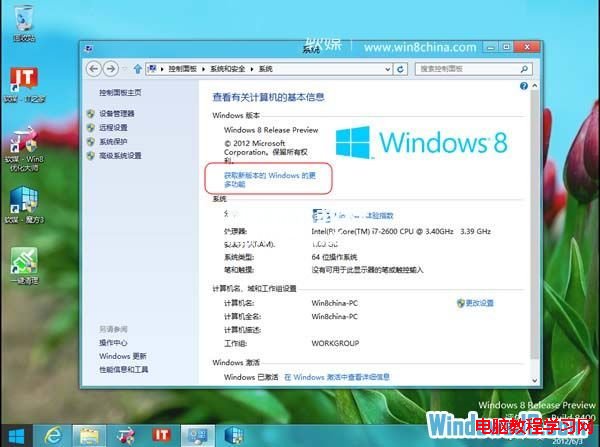
Win8 Release Preview 未預裝 Windows Media Center,需手動加裝:

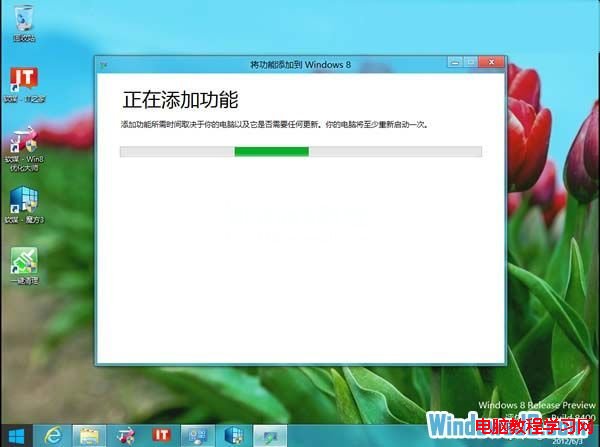
  1. 搜尋「新增功能」 → 「將功能新增至 Windows 8」。
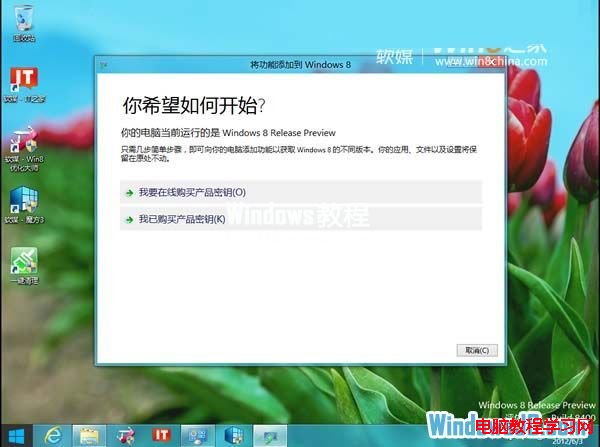
  2. 點選「我已購買產品金鑰」。
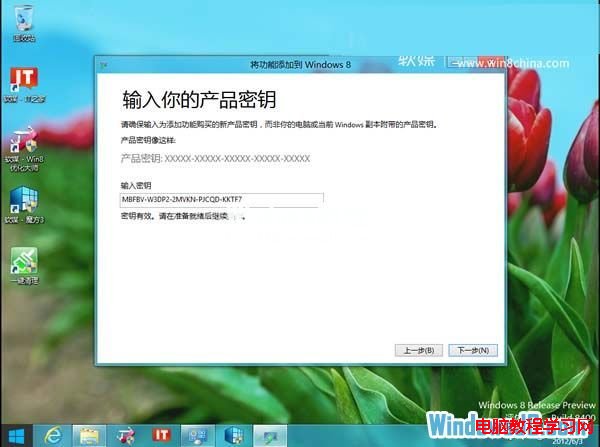
  3. 輸入金鑰:MBFBV-W3DP2-2MVKN-PJCQD-KKTF7 → 下一步。
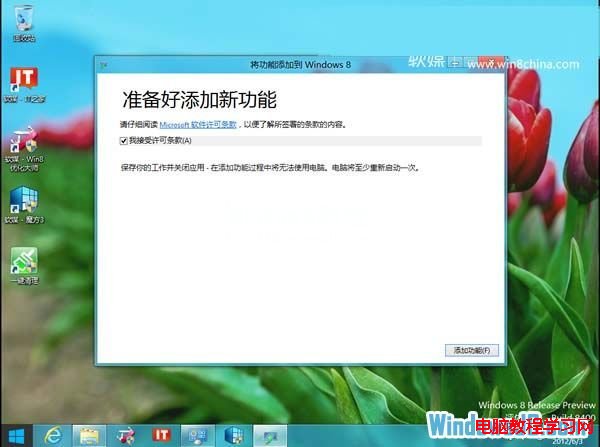
  4. 勾選接受授權條款 → 「新增功能」。
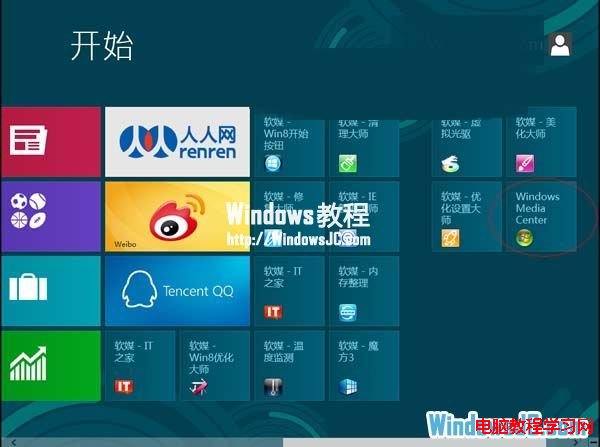
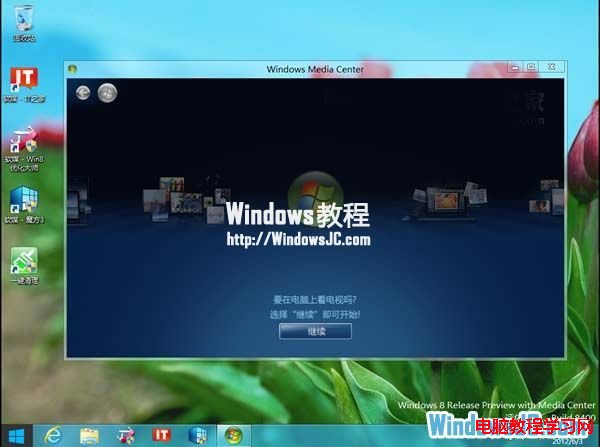
  5. 電腦重開機 → Media Center 自動安裝並釘選到開始畫面。
  6. 系統版本更新為「Windows 8 Release Preview with Media Center」。
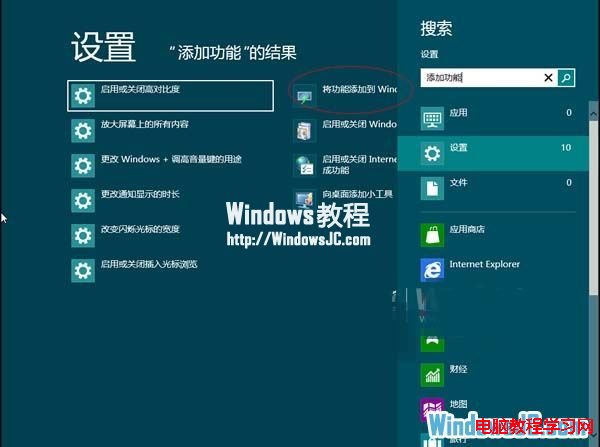
正式版需付費購買,RP 版可用此金鑰免費體驗。

Copyright © Windows教程網 All Rights Reserved