Win10 預覽版 14361 內建 Windows Ink 工作區(Windows 墨跡工作區),提供便利貼、草圖板、螢幕草圖等手寫筆記功能。本文教學如何開啟與使用。
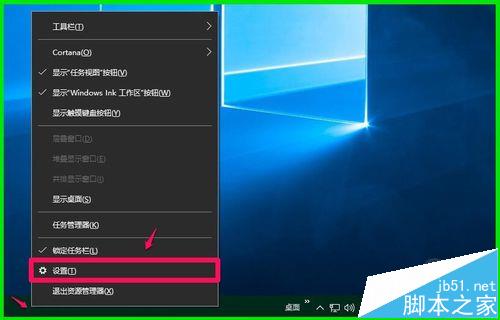
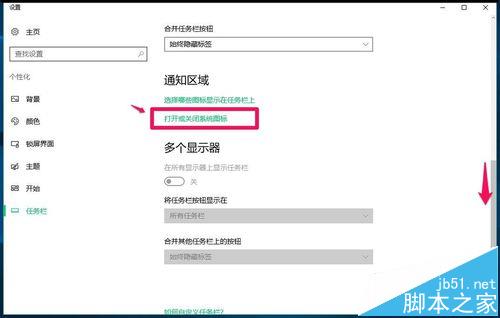
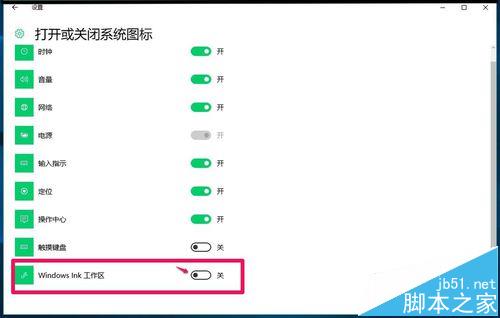
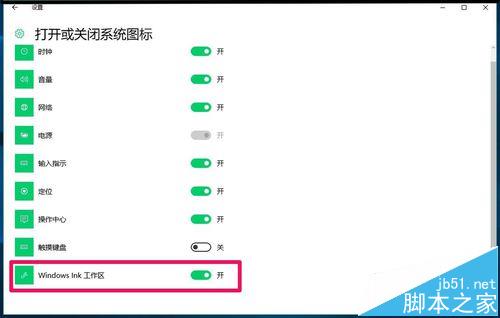
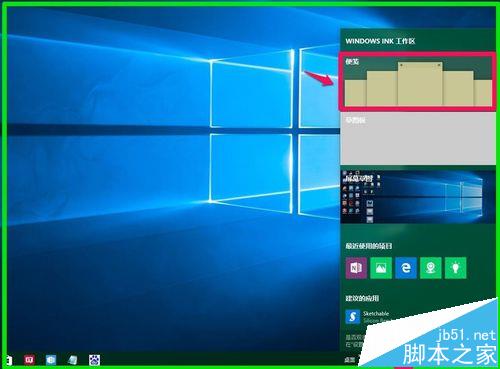
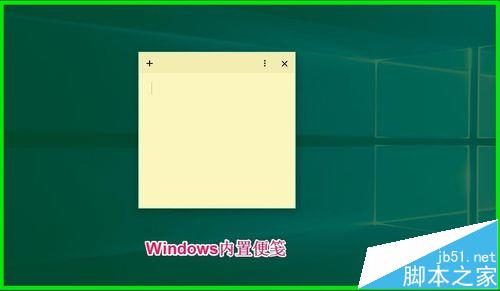
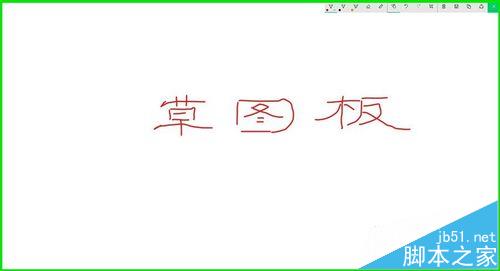
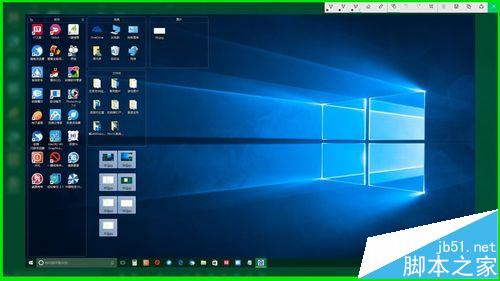
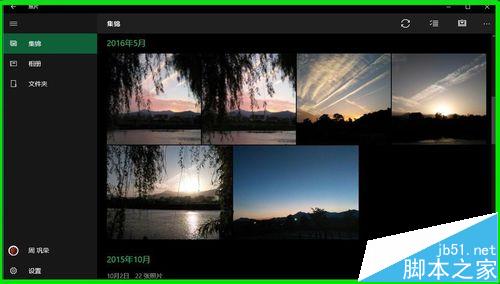
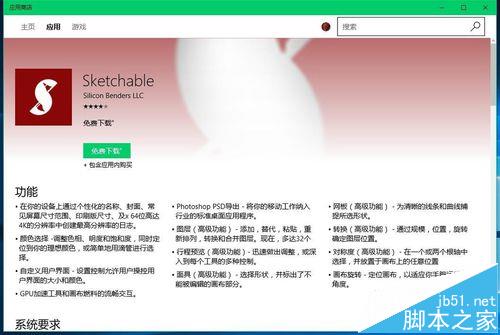
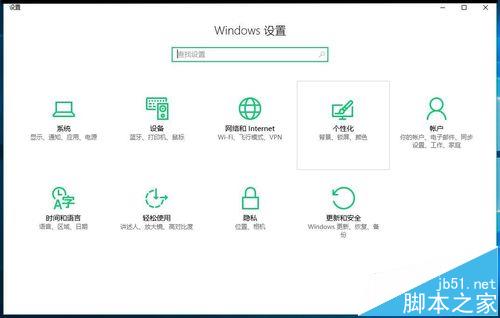
以上為 Windows Ink 工作區開啟方法與功能介紹,供有興趣的朋友參考使用。
Windows 9 如何避免重蹈 Win8 覆轍?聚焦傳統 PC 體驗、延緩融合野心
Win7 IE 設定自動設定指令碼 (PAC/WPAD):企業 Proxy 部署與客戶端設定
Windows 10 Mobile/PC 磚塊排列組合玩法:情侶專屬愛心圖案、應用程式清單字母全點亮、工作列自訂文字
Windows 8 Metro 畫面鎖定天氣資訊:三步驟隨時掌握天氣
Win7 玩《英雄聯盟》提示「登陸服務器未響應」?三大修復法:SFC掃描+Winsock重置、騰訊遊戲平台修復、騰訊電腦管家專項修復
Win10 續航縮水、發熱嚴重怎麼辦?關閉不必要背景應用程式改善續航