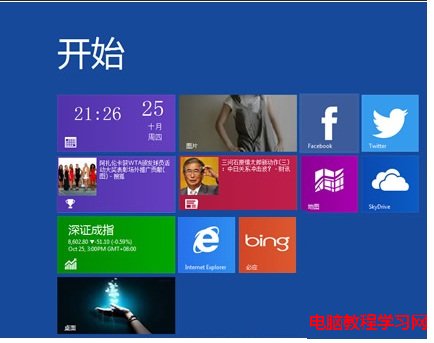
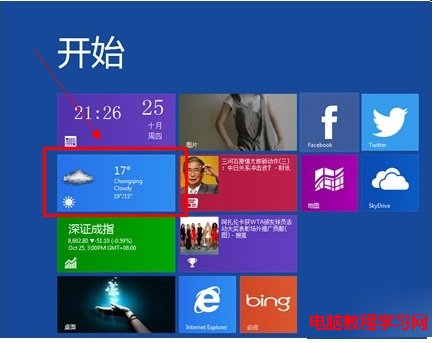
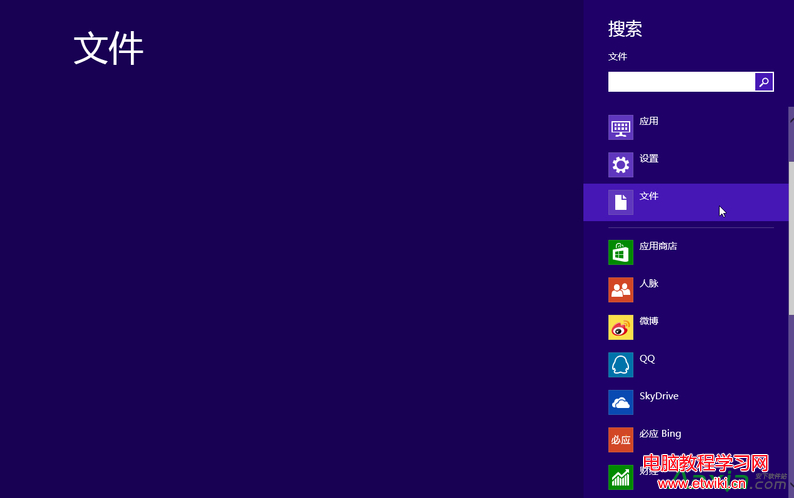
像手機桌面一樣在 Win8 Metro 畫面顯示天氣:
三步驟完成,電腦也能像手機一樣一眼掌握天氣。
Win7 被惡意軟件入侵後的典型癥狀匯總
Win10 Mobile/PC 週年更新 14393.105 曝光:將作為下一波累積更新推送
Win10 修改磁碟機代號(盤符)教學:磁碟管理工具輕鬆搞定
Win7 印表機圖示消失?啟動 Print Spooler 服務三步找回
Windows 7 32位元 audiodg.exe 進程 CPU 佔用過高 關閉音效增強即可解決
Win10 Build 10041 技術預覽版官方 ISO 下載連結(含安裝金鑰)
Win10 系統字體正常但第三方軟體字體模糊?兩招快速解決
Win7 資料夾權限設定圖解:進階安全性設定取得擁有權與完全控制