升級 Win8 後無法進入 LOL,解決方案:
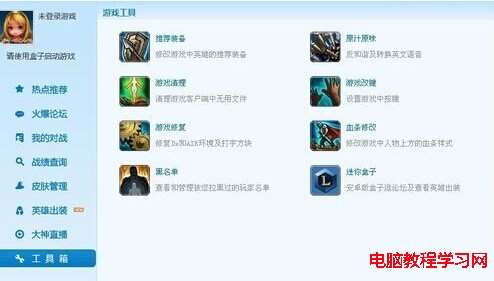
\Air\LolClient.exe\Game\League of Legends.exe\TCLS\Client.exe\lol.launcher_tencent.exe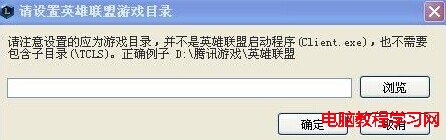
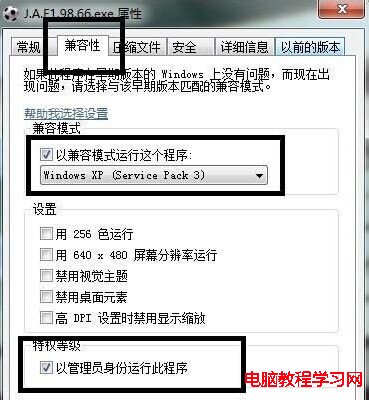
缺點:遊戲略微卡頓,但能順利遊玩。適應後操作無礙。
Windows 7 調整螢幕顯示方向教學:橫向、直向、翻轉模式切換
Win7 ADSL 撥號錯誤 711 徹底解決:批次檔 + 群組原則設定開機自動修復
Windows 10 中國版何時推出?定制版功能與國際版差異解析
Win10 應用程式商店錯誤 0x800706d9 解決:檢查防火牆服務、取消 IE 代理設定、重試下載
Build 2016 大會前瞻:Win10 RedStone 完全揭秘,命名或為 Win10.1 而非 Win11
Win10 應用商店閃退/無法開啟?DISM 掃描修復或 PowerShell 重裝兩大招
Windows 10 螢幕鍵盤啟用完整教學:鍵盤故障時的最佳應急輸入法
微軟 Windows 10 Mobile/PC 通用版「114 查號」App 正式上架商店:整合撥號器、8000 萬號碼查詢、快遞追蹤、免費下載