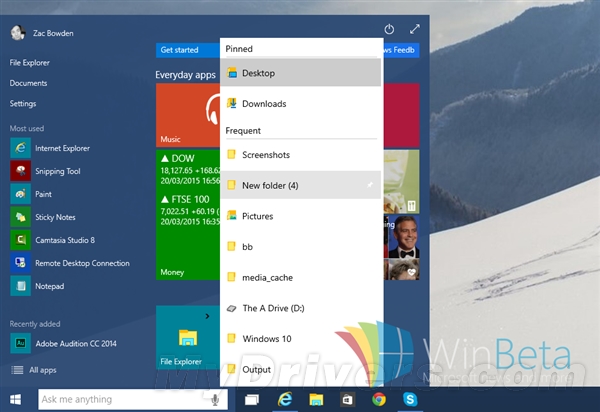
Win10 預覽版起隱藏黑色/夜間主題,正式版部分介面已預設啟用但未完整開放。可透過修改登錄或 PowerShell 腳本快速切換。
ToggleDarkTheme.ps1:$regkey = "HKCU:\SOFTWARE\Microsoft\Windows\CurrentVersion\Themes\Personalize"
$name = "AppsUseLightTheme"
$exists = Get-ItemProperty -Path "$regkey" -Name "$name" -ErrorAction SilentlyContinue
If (($exists -ne $null) -and ($exists.Length -ne 1)) {
Remove-ItemProperty -Path $regkey -Name $name
} else {
New-ItemProperty -Path $regkey -Name $name -Value 0
}
regedit → HKEY_CURRENT_USER\SOFTWARE\Microsoft\Windows\CurrentVersion\Themes\PersonalizeAppsUseLightTheme (DWORD) = 0 (黑色) / 1 (白色)。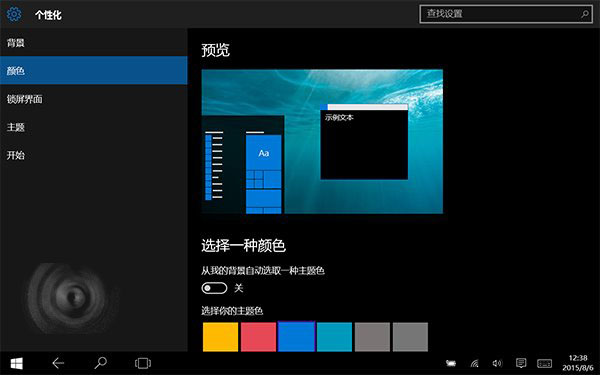
啟用黑色主題後,「設定」視窗標題列在作用中狀態也會變黑,導致標題文字與按鈕難以辨識。功能可能仍在測試階段,微軟未提供官方開關。