修改登錄檔除用 regedit 手動操作外,可寫 .reg 檔匯入。刪除鍵值/子鍵值技巧:在機碼路徑或值名前加 - 號。
[-HKEY_CURRENT_USER\Software\MyKey][HKEY_CURRENT_USER\Software\MyKey]"ValueName"=-; 刪除整個 Vista123 機碼
Windows Registry Editor Version 5.00
[-HKEY_CURRENT_USER\Software\Vista123]
"Vista123"=dword:00000001
; 僅刪除 Vista123 機碼下的 Vista123 值
Windows Registry Editor Version 5.00
[HKEY_CURRENT_USER\Software\Vista123]
"Vista123"=-
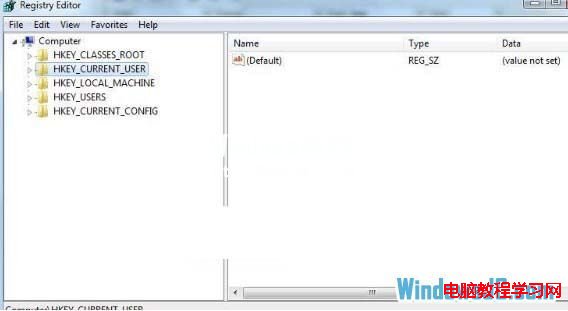
delete_key.reg。regedit 驗證機碼/值已移除。Win8.1 安裝 3 月更新後頻繁假死?官方建議:移除英文輸入法或解除安裝 KB3033889
Win10 與 OS X El Capitan 分割螢幕操作對比
Win7 登入 QQ 錯誤 0x0006000d 解決:重試、結束程序、重開機/重裝 QQ
Win10 免費升級倒數:7 月 29 日截止後各版本零售價格完整對照表
Win7 VirtualBox 虛擬機開機自動後台啟動:Headless 模式 + 啟動資料夾腳本
微軟公布 Win10 Insider 會員數突破 700 萬 佔總裝機量約 1/10 內測版可免費用正版