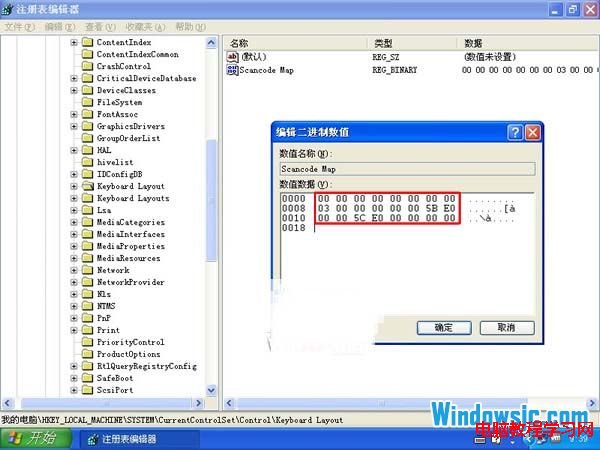
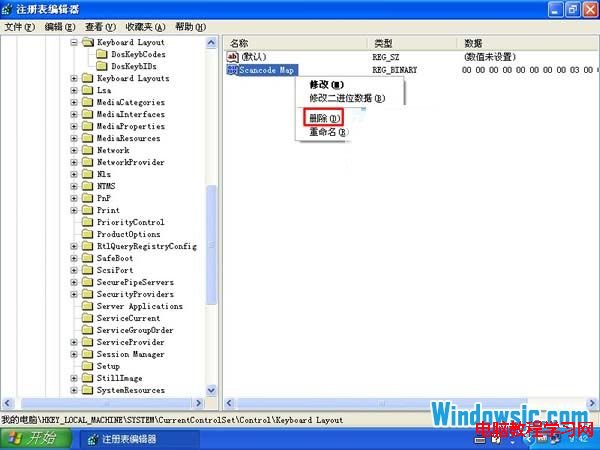
遊戲/工作中誤觸 Win 鍵導致最小化/彈出開始選單,可透過登錄檔 Scancode Map 將 Win 鍵掃描碼重新對應為無作用(0x0000),重開機生效;刪除該值可恢復。
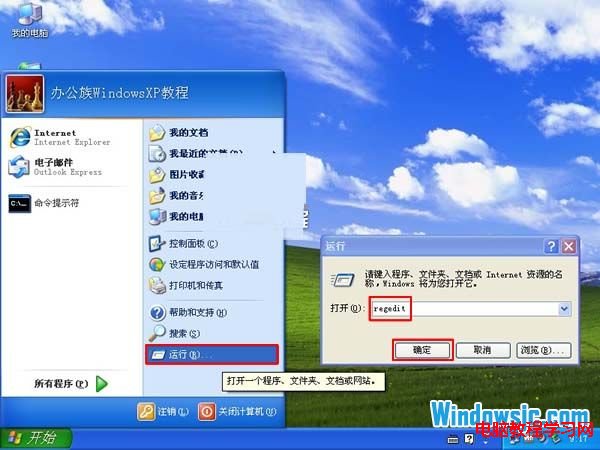
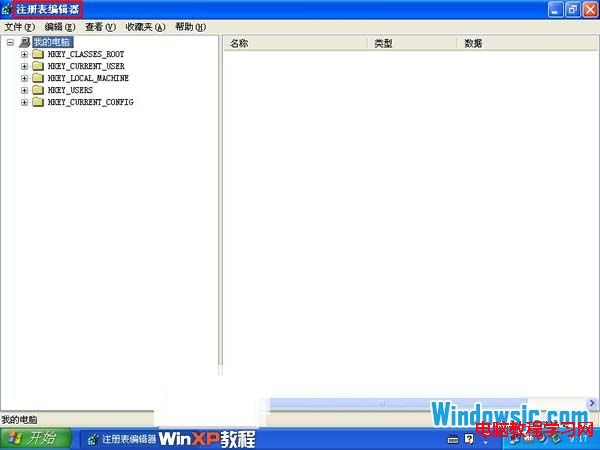
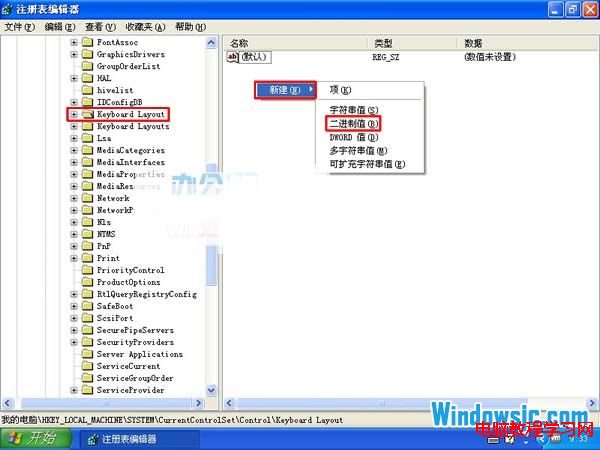
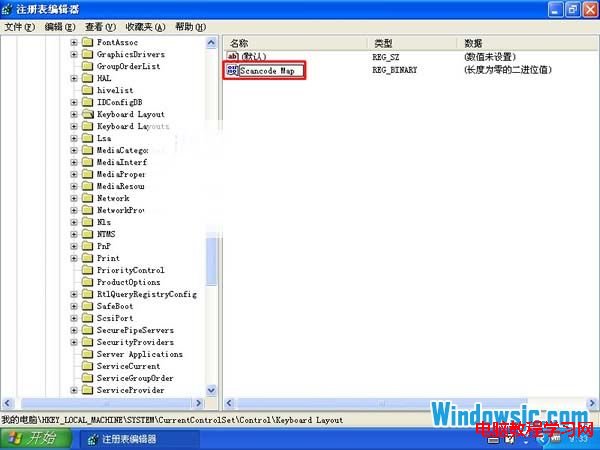
regedit → 定位 HKEY_LOCAL_MACHINE\SYSTEM\CurrentControlSet\Control\Keyboard Layout。Scancode Map。Scancode Map → 數值資料輸入:00 00 00 00 00 00 00 00 03 00 00 00 00 00 5B E0 00 00 5C E0 00 00 00 00Scancode Map → 重開機。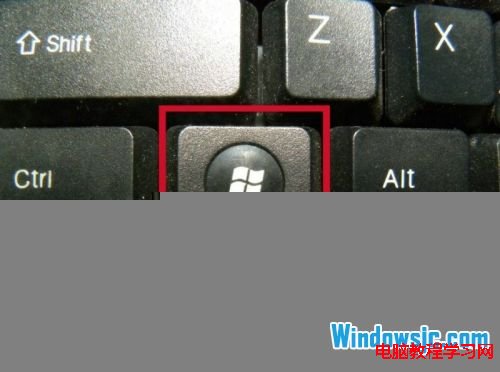
Win10 多项系统功能打不开?启用 Application Information 服务修复
【下載】Win10 Build 10074 企業版/專業版 官方原版 ESD 鏡像 (含 SHA1 校驗與金鑰)
Win7 修復本地連線提示「需要清除 DNS 快取」?啟用 DHCP/DNS Client 服務 + ipconfig /flushdns 雙管齊下
Win10 將 Microsoft 帳戶綁定至本機電腦:一鍵切換雲端同步與個人化設定
Windows 10 RTM 正式版確定 7 月發布,7 月 22 日簽署完成