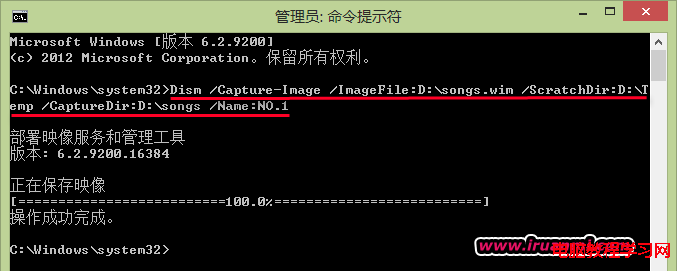
Windows 7 專業版使用 IE 瀏覽網頁頻繁當機、閃退,多半是暫存檔損毀、安全性設定過嚴或腳本引擎(JScript/VBScript)註冊遺失所致。依照以下步驟逐項修復。
regsvr32 jscript.dll → 確定 → 再輸入 regsvr32 vbscript.dll → 確定(重新註冊腳本引擎)。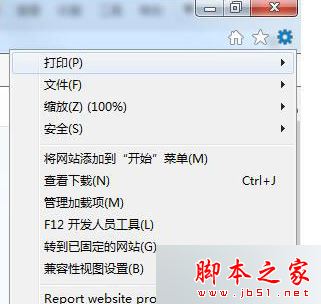
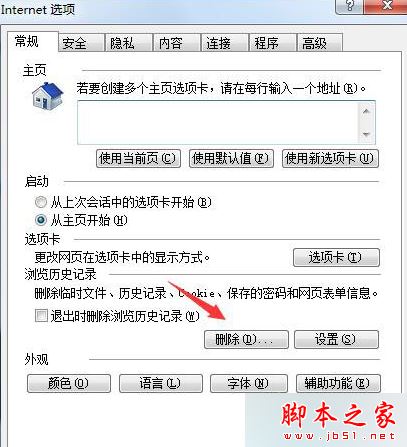
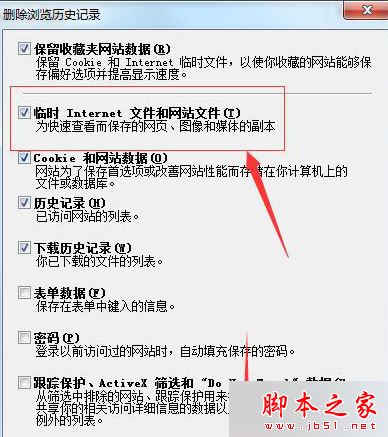
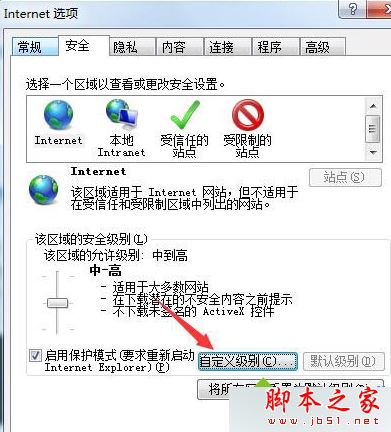
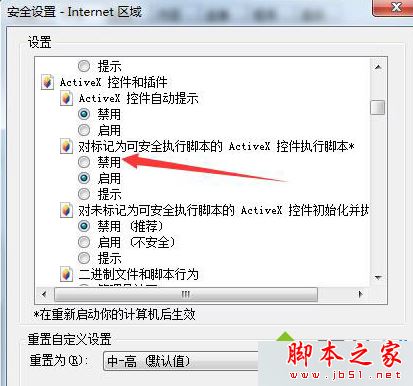
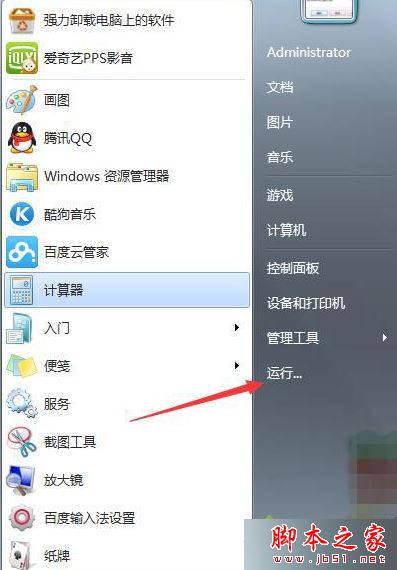

此法針對 IE 核心元件修復,若改用 Chrome/Edge 瀏覽正常,則問題在 IE 本身;若所有瀏覽器皆當機,請掃毒並檢查網卡驅動。
Win10 通知樣式改回 Win7「氣球提示」:修改登錄表一鍵切換
Windows 7 聲音卡驅動安裝失敗完整修復:驅動人生配合手動替換檔案
QQ 電腦管家 Win10 預約嘉年華:下載升級助手連登 3 天每周五抽 1-500 Q幣
Win10 開機 8 秒內三大技巧:關閉啟動項、設定處理器核心數、群組原則強制快速啟動
Win10 Mobile 10136 升級注意事項:10080 需先回滾 WP8.1、時間調整檢查更新、已知 Bug 列表
Win10 Build 10147 怎麼樣?新特性一覽:平板模式 UI、彩色標題列、Edge 密碼管理