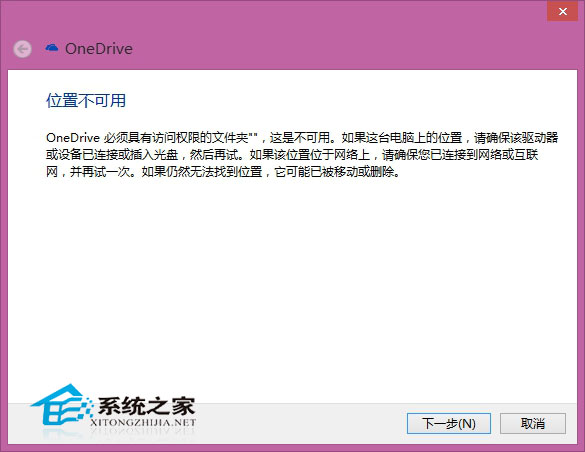
Dell 內建修復軟體重置系統後,Metro 應用與 OneDrive 無法正常運作,疑系統盤 Program Files 元件受損。
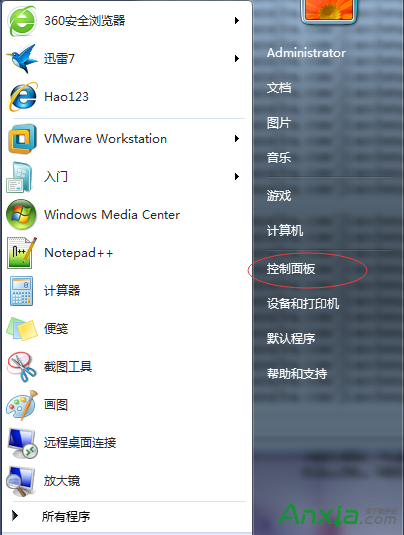
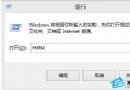
嘗試方案:
若無效需備份資料後重置或重裝系統。建議平時做好系統備份。
Win10 搭建 Cocos2d-x 3.7 遊戲開發環境教學:VS2015 + Windows 10 SDK 完整配置
Windows 10 首個非補丁更新 10 月登場:代號 Threshold wave 2、專注優化穩定
Windows 7 任務列時鐘顯示農曆、星期、溫濕度教學:使用軟媒時間
《Win10 快速鍵大全》官方文件下載:英文版 3 頁含 40+ 操作,中文版可參考社群整理
Win8 開機音效消失?啟用「播放 Windows 開機音效」找回經典啟動聲
Windows 10 正式版將新增大尺寸磚塊規格:2x4、4x4 或用於可互動爆炸式動態磚塊