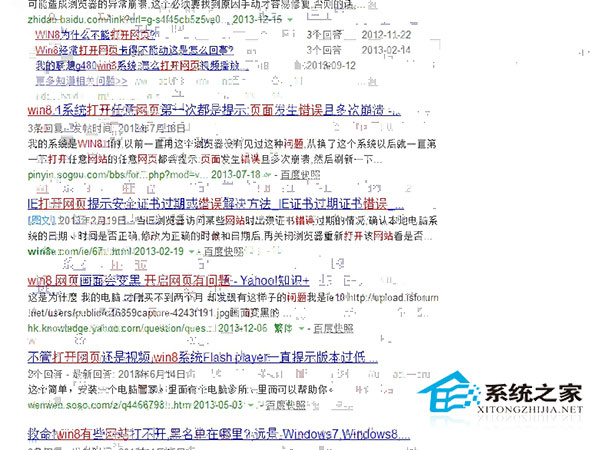
Win8.1 使用搜狗瀏覽器偶爾出現網頁渲染錯誤 (版面正常但內容顯示異常),關閉重開暫時恢復。可能原因:顯卡驅動與硬體加速不相容、顯存/記憶體資料錯誤。
建議:
一般情況下透過軟體更新即可解決渲染異常問題。
Windows 10 關閉/開啟內建定位平台:保護隱私或啟用地圖服務
Win10 9901 无法升级新版本解决方案:仅可通过 ISO 全新安装或回滚旧版,微软确认为构建 Bug
無光碟機如何重裝 Win7:一鍵還原與 ISO 硬碟/USB 安裝完整指南
Win10 Mobile 週年更新預覽版 14390 更新內容與修復彙整
Win10 家用版/專業版如何啟用 Windows To Go 功能?手動複製系統檔案與匯入登錄表實現
Win8 應用程式商店缺少自動更新選項?兩招快速修復教學
Windows 9 傳聞彙總:通知中心、Cortana、免費升級、開始按鈕回歸、Charms 移除
Win7 光碟機無法彈出?修改登錄機碼 StagingPath 解決燒錄暫存路徑錯誤