.exe/.lnk/.bat 右鍵選單中的「相容性疑難排解」對一般用戶無用且拉長選單。匯入以下登錄檔刪除對應 ContextMenuHandlers\Compatibility 機碼即可移除。
Windows Registry Editor Version 5.00

[-HKEY_CLASSES_ROOT\lnkfile\shellex\ContextMenuHandlers\Compatibility]
[-HKEY_CLASSES_ROOT\exefile\shellex\ContextMenuHandlers\Compatibility]
[HKEY_CLASSES_ROOT\batfile\ShellEx\ContextMenuHandlers\Compatibility]
remove_compat.reg(編碼 ANSI/UTF-16 LE)。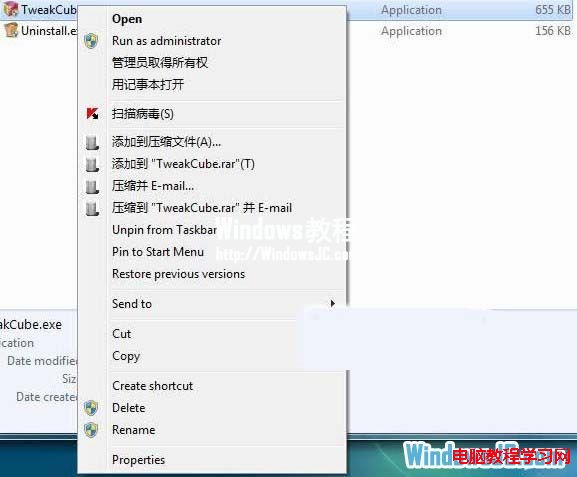
同理匯入機碼備份或重新建立 Compatibility 字串值。