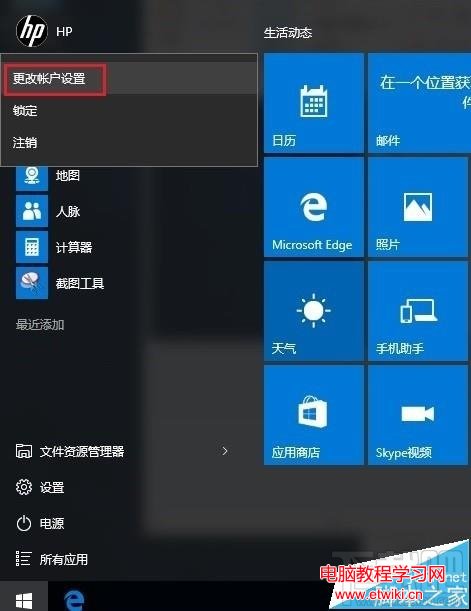
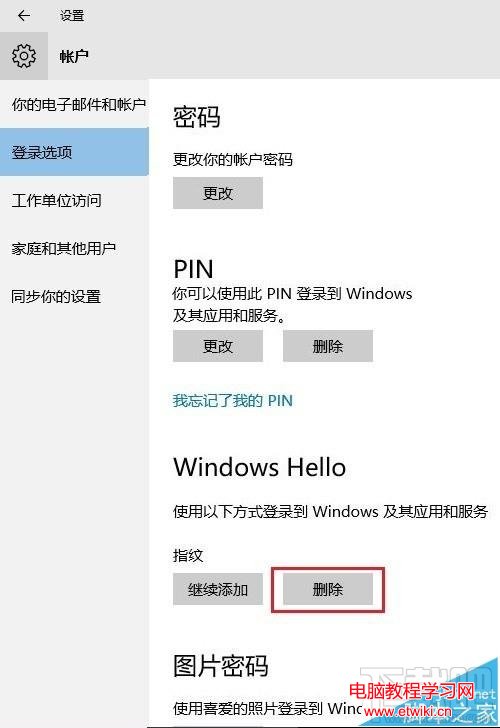
若需重新錄製指紋或不再使用指紋登入,可依以下步驟刪除現有指紋資料。
Windows 8 雙顯示卡切換設定:Intel + AMD 可切換圖形三種配置法
Win10 筆電電池圖示消失?三大解決方案(設定開關、裝置管理員重置、重開機)
Win10 一週年更新版 CLSID (GUID) 完整彙總表
Windows 10 Build 10122 無法啟動?使用 GVLK 金鑰一鍵啟動
Windows 10 關閉 Cortana 小娜助手完整教學(含隱私保護說明)
Win7 筆電卡在「正在檢查更新」動不了?重置路由器與網路設定解決
Win10 任務列全透明/玻璃效果:Classic Shell → Windows 10 設定 → Taskbar look 選 Transparent 或 Glass+Opacity 0