推薦小工具 Windows 8 USB Installer Maker (Win8USB),幾步即可建立可開機 Win8 安裝 USB,支援 Vista/Win7 32/64 位環境。
下載與需求
- 下載:Win8USB
- USB 容量 ≥ 4GB,建議 USB 3.0 加速寫入。
- 必須以系統管理員身分執行。
製作步驟
- 解壓執行
Win8USB.exe。
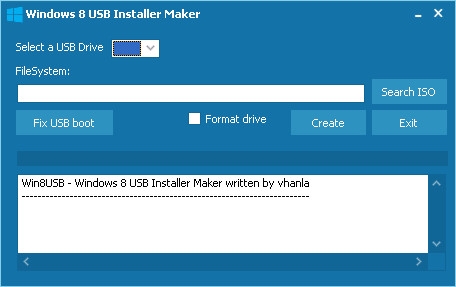
- 勾選「Format」(格式化為 NTFS),操作前請備份 USB 資料。
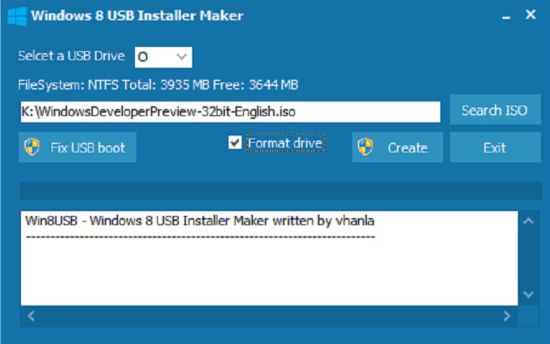
- 點選「Browse」載入 Win8 ISO 映像檔。
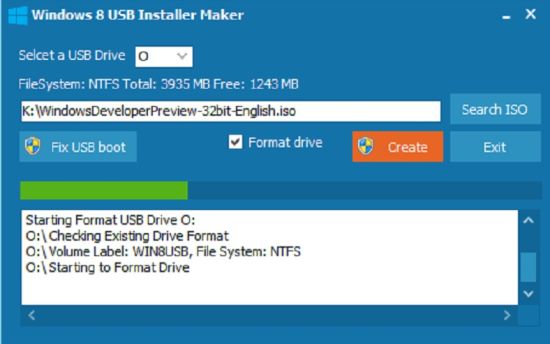
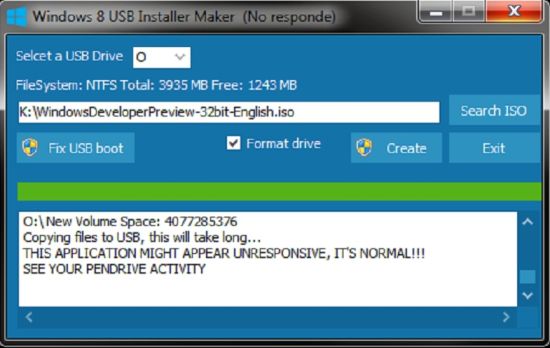
- 點擊「Create」開始製作,過程較久(視 USB 寫入速度),程式顯示「無回應」屬正常。
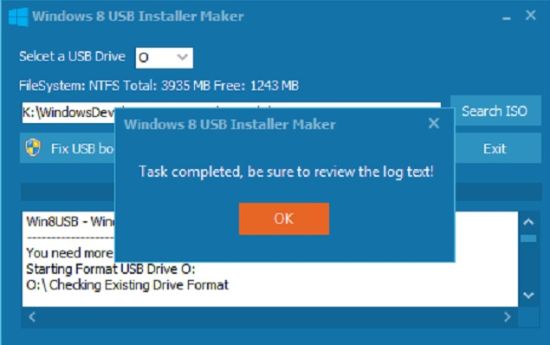
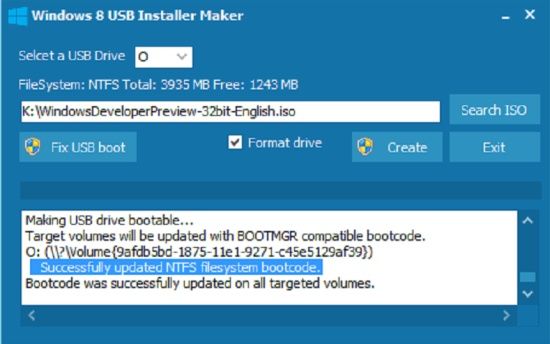
- 完成後自動寫入 MBR 開機記錄,USB 即可作為 Win8 安裝媒體。
優點
介面簡單、自動格式化/解壓/寫入 MBR、無需複雜指令,適合不熟悉 diskpart 的一般用戶。