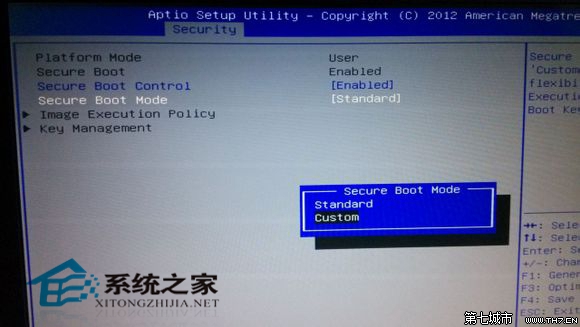
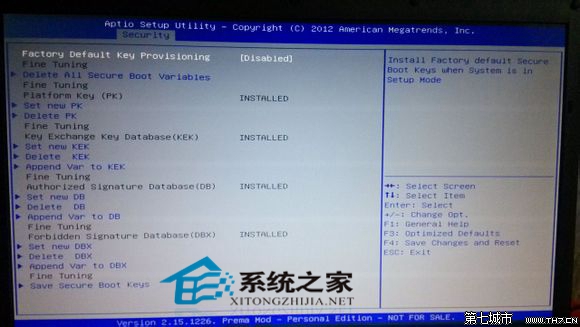
重開機後桌面浮水印消失,Secure Boot 狀態恢復正常。
Win8 啟用新機制:產品金鑰內嵌 BIOS,重裝免輸入
如何將 Win8 升級為 Win8.1?透過應用商店免費更新完整教學
Win8 管理員帳號被停用救援:命令提示字元查 Administrators 群組 → 安全模式登入內建 Administrator → netplwiz 將目標帳號加入 Administrators 群組
VMware Workstation 8 安裝 Win8 CP 完整圖文教學:新建虛擬機、硬體相容性、客體系統選擇、VMware Tools
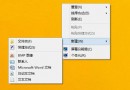
Windows 8 發現隱藏的開始選單:左下角右鍵呼叫管理工具
Win8.1 如何開啟命令提示字元?六種方法全攻略:Win+X、Win+R、搜尋、開始畫面、工作管理員、管理員權限
Windows 8 CP 啟用安全模式:BCD 編輯 + msconfig 圖文教學
Win8.1 無法修改系統提示音 (開機/登入/登出)?註冊表刪除 ExcludeFromCPL 值恢復聲音設定選項