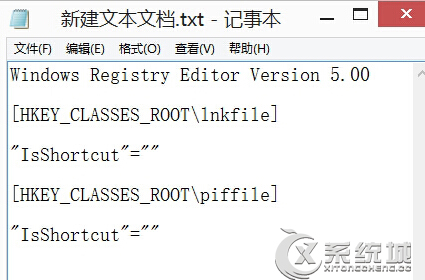
Windows 8 桌面右鍵選單無反應或缺少項目,通常是 ShellEx 相關註冊表機碼損毀。匯入修復註冊表即可恢復。
ShellEx
HKEY_CLASSES_ROOT\Directory\Background\shellex\ContextMenuHandlers
fix_contextmenu.reg
重開機後右鍵選單恢復正常。
Win 8 網路連線受限/無法連線完整排查指南
Win8 設定 CMD 預設以系統管理員身分啟動:登錄新增 AppCompatFlags\Layers 值 RUNASADMIN
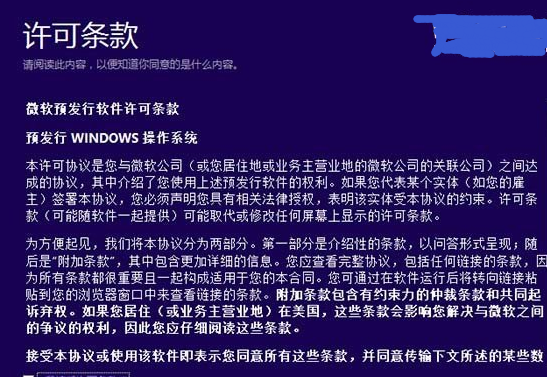
官方取得 Win8.1 ISO 並製作安裝媒體完整教學:微軟升級助手離線下載法
Win8.1 檔案隱藏術:用指令將任意檔案隱藏進圖片檔 (Steganography 實作)
desktop.ini 是什麼?能不能刪除?Win8 資料夾設定檔完整解析
Win8 資訊應用新增資訊來源教學
Windows 8 版 UC 瀏覽器評測:Metro 模式免外掛播放優酷/PPTV/CNTV 影片、彈窗智能攔截、瀏覽紀錄一鍵清除
Windows 8.1 桌面右下角「SecureBoot 未正確設定」水印移除:BIOS 兩種模式重設金鑰完整教學