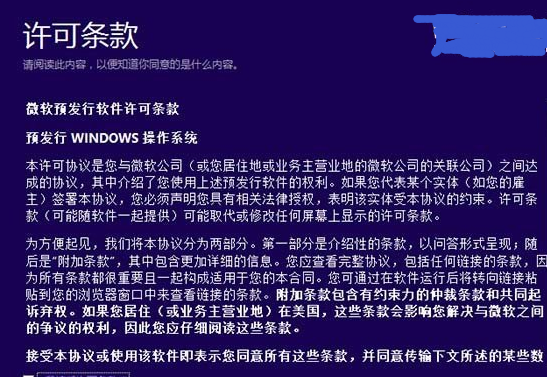
Setup.exe
升級前備份資料,若硬體較舊建議先確認驅動程式相容性。
Windows 8.1 關閉 UAC 後 Metro 應用無法開啟?群組原則修復法
Windows 8 快速鍵 Win+P 切換第二螢幕模式:四種顯示輸出一鍵切換
Windows 8 共用檔案失敗怎麼辦?工作群組、密碼保護、進階共用、防火牆四步驟完整設定
Win8 系統假死/卡住 四大根因與對應解決方案
聯想筆電 Win 8 滑鼠滾輪失效啟用通用捲動解決法
Windows 8 虛擬內存最佳設置指南:原理、操作步驟與容量建議
Win8 系統 DPI 設定過大如何還原?安全模式與登錄修改法(重複文章)
Win8 登入 QQ 後不自動登入 QQ 寵物設定教學(重複內容)