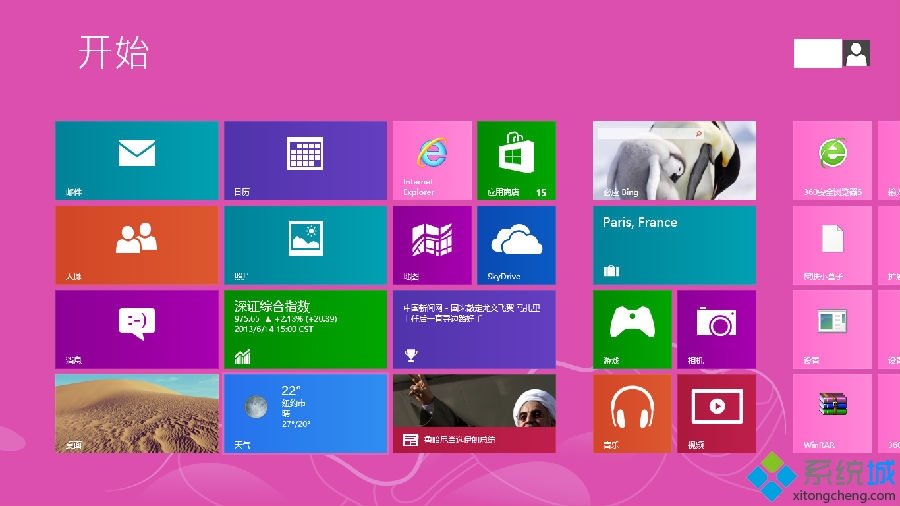
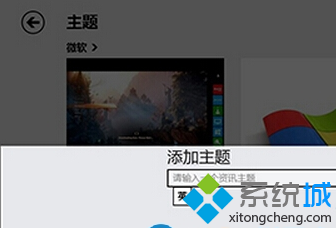
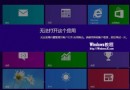
Windows 8 內建「資訊」應用可自訂關注主題,新增資訊來源步驟如下。
新增後主題會出現在資訊應用首頁,點擊即可閱讀最新資訊。
Windows 8 內建新聞應用程式支援 RSS 訂閱、離線閱讀與自訂版面
Windows 8 開發者預覽版安裝與移除實測心得:一鍵還原救命、量產 USB 終極大法
Windows 8 打造專屬傳統桌面完整指南:找回圖示、任務列優化、主題美化一次搞定
Windows 8 Chrome 瀏覽器頻繁崩潰?刪除登錄 Google 金鑰重置設定
Win8 應用程式通知管理:應用內權限開關 + 統一通知設定頁 + 鎖定畫面通知自訂
Win8.1 同步鎖定畫面、開始畫面佈局與主題:Microsoft 帳號登入多裝置自動同步
Win8.1 變更系統顯示語言/新增語言包完整教學
Windows 8 找不到藍牙裝置?三大原因與解決步驟 (驅動、開關、服務、BIOS)