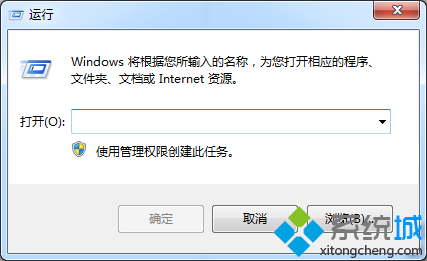
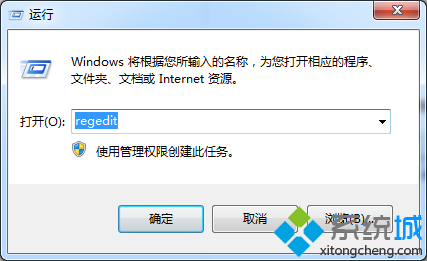
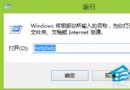
regedit
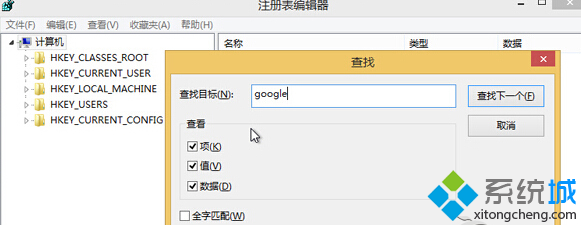
google
殘留的登錄設定常導致 Chrome 異常,清除後可恢復預設狀態解決崩潰問題。
Windows 8.1 撥號錯誤 651 官方臨時解決方案 (自動撥號腳本)
Win8 藍屏 page fault in nonpaged area 解決法:驅動程式回滾、系統還原、乾淨啟動排查
Windows 8 管理無線網路設定檔:命令列完整操作指南
Windows 8 啟動備份與還原:sppstore 資料夾法
Windows 8 語音識別完整教學:輕鬆用聲音控制電腦
Win8 系統保護開啟/關閉:四步驟管理還原點磁碟空間
Windows 8 PPPoE 撥號上網設定四步驟教學
Windows 8 疑難雜症與使用技巧大全:官方下載、三種安裝教學、四大新介面、Metro 操作匯總、常見問題解決