Surface RT 無光碟機且無安裝媒體,系統損壞時需 USB 修復磁碟救援。需 4GB 以上隨身碟,**操作將清除 Surface RT 所有資料**,請先備份。
建立修復磁碟 (在 Windows 8/8.1 電腦上操作)
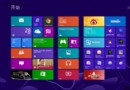
- 開始畫面點擊「桌面」磚塊進入傳統桌面。
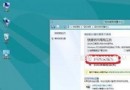
- 右側邊緣滑出 Charm Bar →「設定」→ 控制台文字連結。
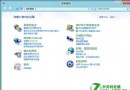
- 控制台 →「系統與安全性」→「檔案歷程記錄」。
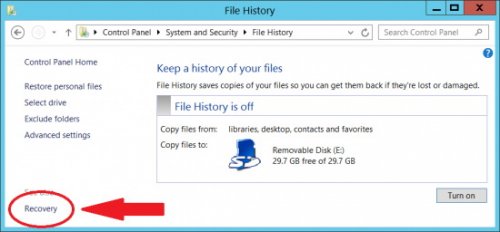
- 左下角點擊「復原」→ 選擇「建立修復磁碟機」。
- 插入隨身碟 → 依精靈完成建立。

使用修復磁碟救援 Surface RT
- 關機 Surface RT → 插入修復磁碟 USB。按住「音量鍵 -」不放 → 按下並釋放「開始鍵」 (電源鍵) → 進入復原環境。
- 依畫面指示進行系統修復/重設/重新安裝。
[注意] 此過程將抹除 Surface RT 所有資料,務必先完成備份。