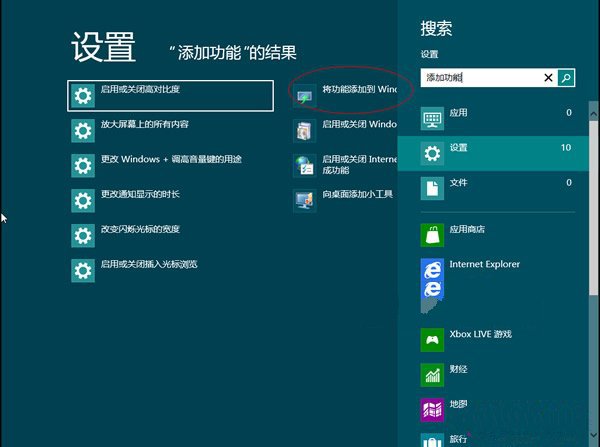
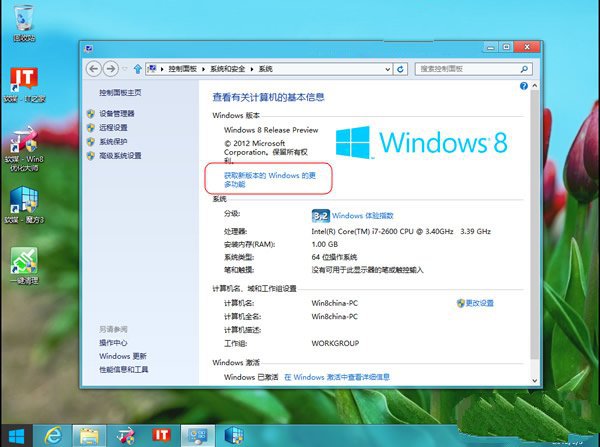
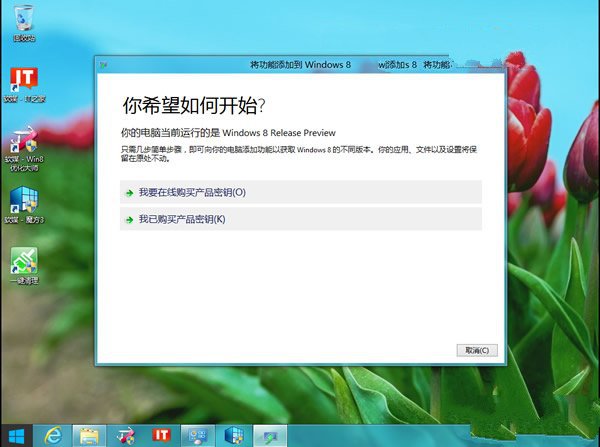
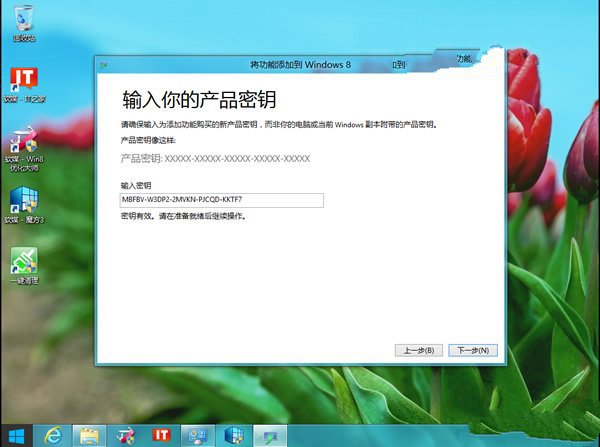
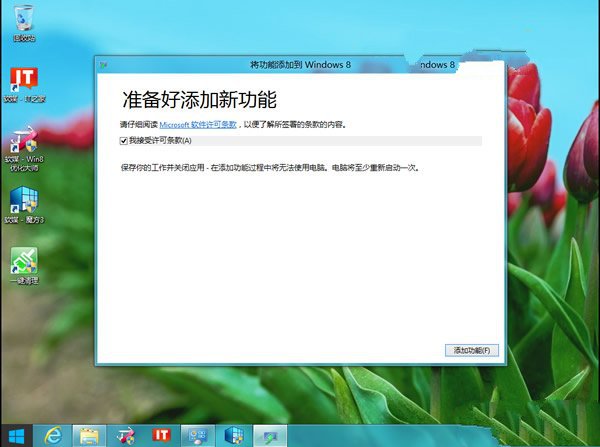
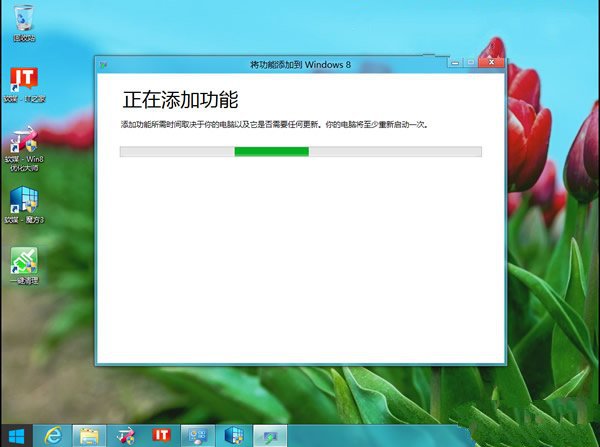
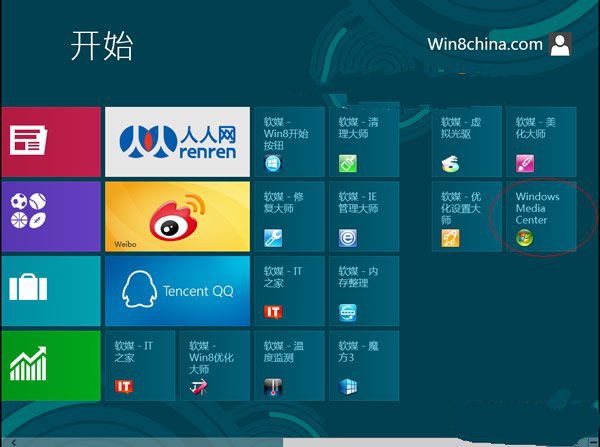
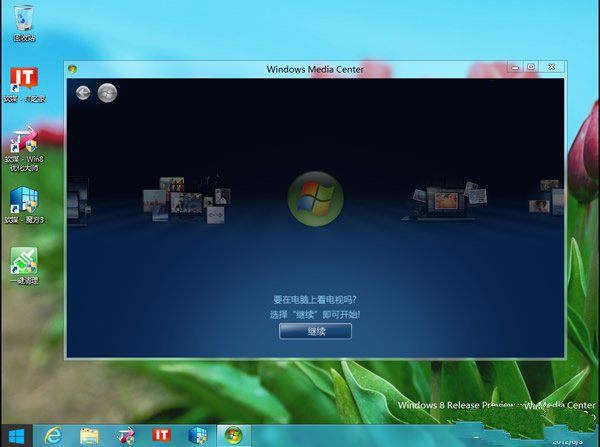
Windows 8 專業版/企業版可付費加裝 Windows Media Center,但正式版需購買金鑰。以下提供安裝步驟與通用金鑰(適用評估用途)。
MBFBV-W3DP2-2MVKN-PJCQD-KKTF7
此金鑰為網路流通通用金鑰,僅供測試評估。正式商業用途請購買正版授權。安裝後系統版本將顯示為「Windows 8 Release Preview with Media Center」。
Win8/8.1 休眠選項消失找回:群組原則啟用顯示休眠 + powercfg 解決裝置喚醒衝突
Windows 8.1 檔案總管中隱藏 SkyDrive 特定資料夾的方法
Win8 應用程式架構解析:Windows Store 應用 vs 傳統桌面應用 (Win32/.NET/HTML)
Win8 開啟手寫輸入數學公式:兩種方式啟動數學輸入面板
Win8 選擇四種 Windows Update 自動更新模式完整說明
Win8 關閉程式相容性助手:服務停用與登錄兩法
Windows 8 桌面圖示模糊不清?調整 DPI 縮放至 100% 瞬間銳利
Win8 網路工具軟體相容性實測:P2P終結者、黑馬遠端、傲盾加速器