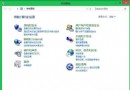
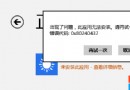
Windows 8 自行下載安裝的主題檔案(含桌布)儲存在系統暫存資料夾深處,以下提供快速定位方法。
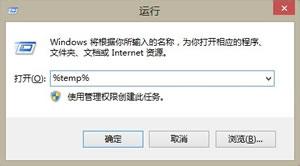
%temp%
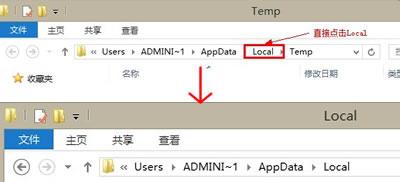
Local
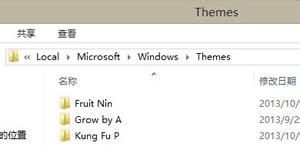
Microsoft
Windows
Themes
DesktopBackground
完整路徑:%LocalAppData%\Microsoft\Windows\Themes。收藏桌布圖片可直接由此複製。
%LocalAppData%\Microsoft\Windows\Themes
Windows 8 不同版本 Metro 開始畫面背景圖片自訂教學
Win8 看圖預設最大化顯示 好桌道看圖王免安裝體驗
Win8 桌面圖示全部消失?「顯示桌面圖示」與「桌面圖示設定」兩步驟找回
Win8 超級按鈕「搜尋」功能完全指南:電腦/商店/應用內全域搜尋
Windows 8 筆記本開啟無線熱點共享上網完整教學:手機連網步驟詳解
Win8 系統字型大小調整:標題列、選單、訊息框、圖示文字全搞定
Windows 8 開始畫面應用程式管理完整教學
Win8 登出(注銷)功能在哪?傳統桌面 Alt+F4 快速呼出關機選單選擇登出