Windows 照片檢視器預設不最大化顯示圖片,需手動點擊放大。推薦輕量級看圖軟體「好桌道看圖王」,開啟圖片自動全螢幕顯示,低解析度圖片不強制放大避免模糊。
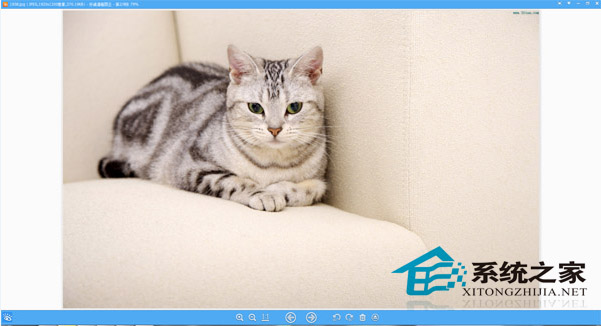
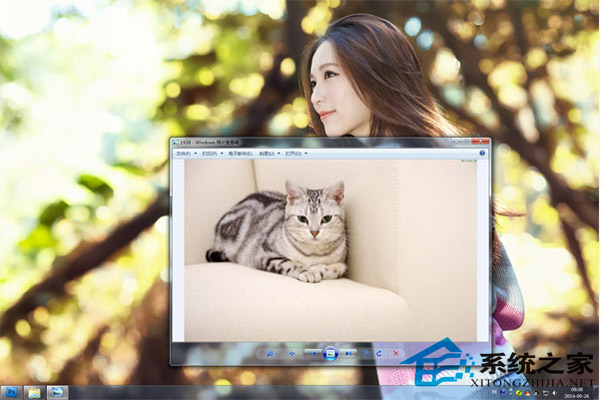
下載網址:https://www.xitongzhijia.net/soft/24184.html。設為預設看圖程式後,雙擊任意圖片即可享受最大化瀏覽體驗。
製作 Windows 8.1 Update RTM Escrow 整合映像檔完整教學 (DISM + UltraISO)
Win8 執行程式出現 0xC0000005 錯誤?相容模式執行快速修復
Win8 查看 IE 瀏覽器儲存的 Web 認證:認證管理器檢視帳號密碼
Windows 8 網路連線錯誤 118?DNS 快取與 TCP/IP 重設修復法
Windows 8 進入進階啟動選項/修復環境:取代 F8 的新方式完整指南
聯想 Y400/Y500 Windows 8 無線網路受限無法上網解決:關閉省電、啟用 FIPS 相容、回滾驅動程式
Win8 建立 WiFi 熱點共享上網:netsh wlan 承載網絡 + ICS 共用有線網卡,附開機自啟批處理與 WiFi共享大師替代方案