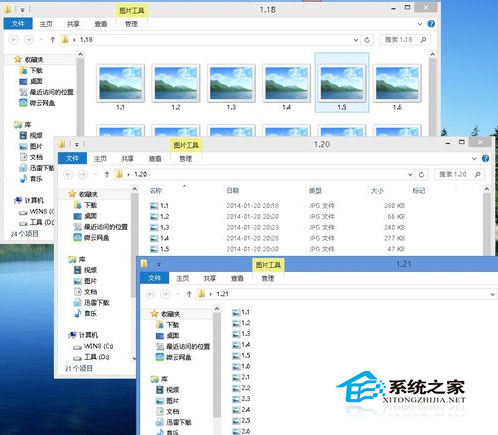
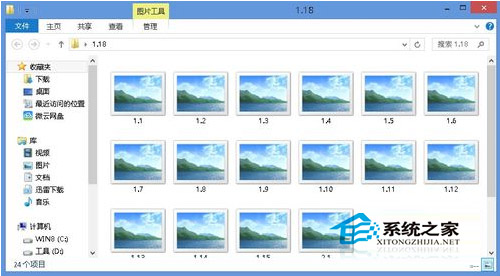
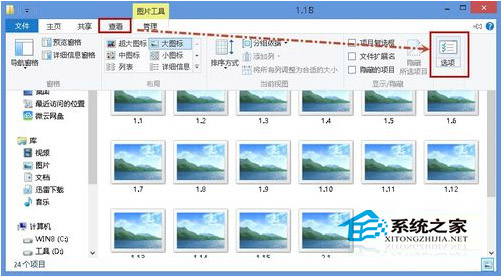
Windows 8 各資料夾檢視模式(大圖示、清單、詳細資料)互不影響。可先設定一個資料夾為目標模式,再透過「資料夾選項」套用至所有同類型資料夾。
此功能依資料夾類型(一般項目、文件、圖片、音樂、影片)分別記憶,需對每種類型各套用一次。
Windows 7/8/8.1 緊急重新開機熱鍵
Win8 設定預設印表機教學:多印表機環境一鍵列印不再煩惱
Win8.1 「飲食與飲品」應用:免手操作烹飪模式、名廚食譜、購物清單一應俱全
Windows 8 存取共享資料夾失敗?Takeown 指令不支援,需待正式版驗證
Win 8 系統內建錄音機在哪?三種快速開啟法與基本操作教學
雙系統環境移除 Win8.1 保留 Win7:msconfig 刪除啟動項 + 格式化分割區
Win8 關閉自動更新完整教學:停用更新服務、群組原則、計量連線三種方式
Windows 8 視窗透明化效果啟用教學:高對比度主題切換技巧