Windows XP Windows 7 Windows 2003 Windows Vista Windows 綜合教學 Linux 系統教學
Windows 10 Windows 8 Windows 2008 Windows NT Windows Server 電腦軟體教學

Win8.1 檔案總管無法開啟、提示找不到腳本?註冊表修復法

編輯:Win8 系統應用技巧

若開啟檔案總管時跳出「找不到指令碼檔案 C:\Windows\explorer.exe:306141236.vbs」錯誤,通常是登錄表 Userinit 鍵值被惡意程式竄改。請依下列步驟修復。

修復步驟

  1. 按 Ctrl+Shift+Esc 開啟工作管理員。
  2. 點選「檔案」→「執行新工作」,輸入 explorer.exe 按 Enter,暫時恢復桌面環境。
  3. 按 Win+R 輸入 regedit 開啟登錄表編輯器。
  4. 瀏覽至:
    HKEY_LOCAL_MACHINE\SOFTWARE\Microsoft\Windows NT\CurrentVersion\Winlogon
  5. 在右側找到 Userinit,雙擊修改數值資料為:
    C:\Windows\system32\userinit.exe,(注意結尾逗號不可少)。
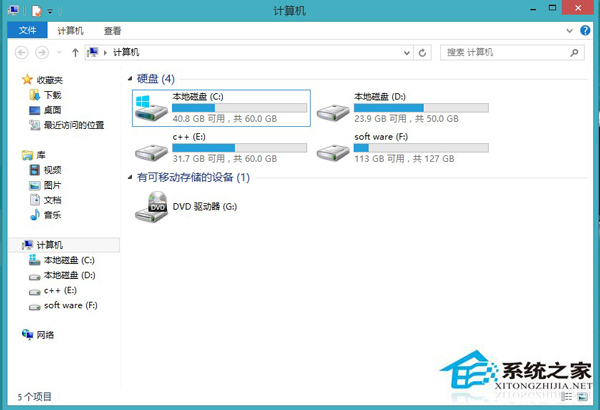
  6. 重新開機,檔案總管即可正常運作。

錯誤訊息畫面

此問題常因病毒或優化軟體修改登錄表導致,修復後建議掃毒並避免使用來源不明的系統優化工具。

Copyright © Windows教程網 All Rights Reserved