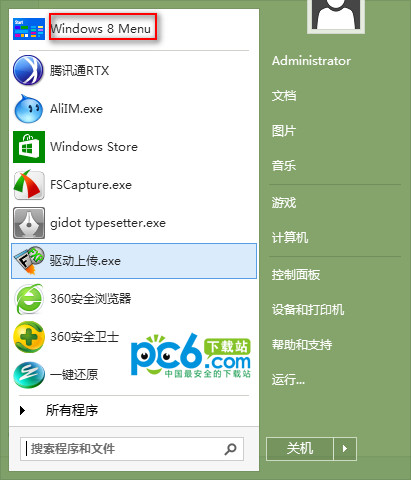
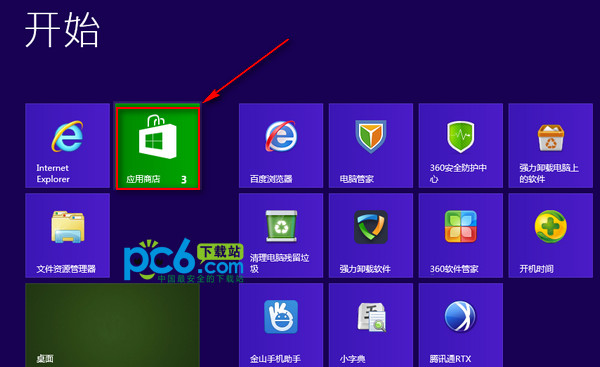
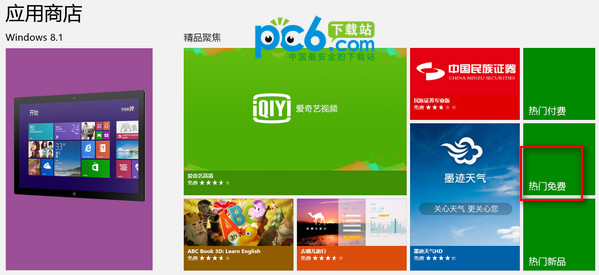
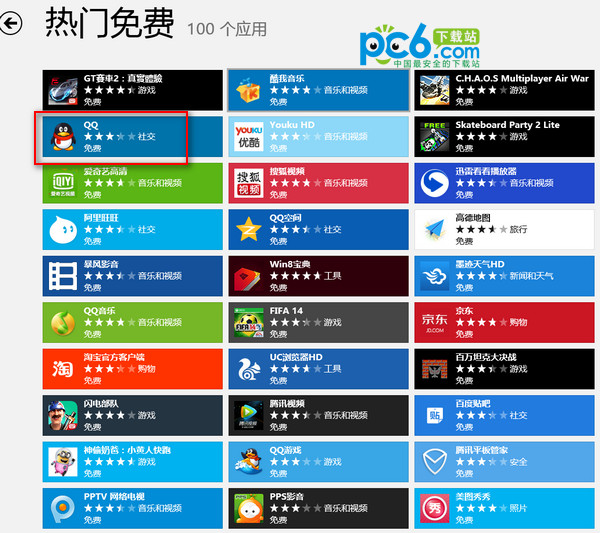
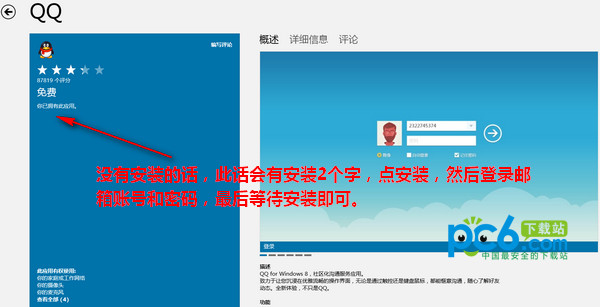
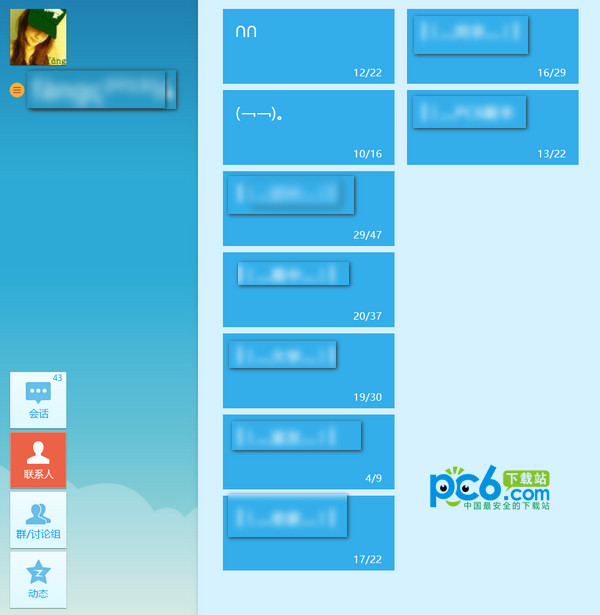
Win8 版 QQ 僅能透過 Windows 應用商店安裝,流程如下:
Win8 變更 Microsoft 帳戶提示 0xd00000bb?新增本地帳戶再登入商店驗證
Windows 8 裝置管理員顯示驚嘆號怎麼辦?藍牙裝置驅動解決方案
Win8.1 網路設定錯誤 禁用/啟用網卡快速重置連線
Windows 8 設定通訊活動自動調降其他聲音音量
Win8 如何開啟 IGS 檔案?RegalIGS 免費檢視器使用教學
Win8 藍屏代碼查詢器使用教程:快速定位藍屏成因
Win8 設定電源鍵「不執行任何動作」防止誤關機,並可自訂關機選單
Win8 任務管理器出現 egui.exe 進程是什麼?ESET 安全軟體圖形介面元件,非病毒