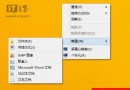
Windows 8 移除「開始按鈕」但保留「開始選單」資料夾結構。利用超級工作列「新增工具列」功能,可手動建立類似開始選單的工具列,無需第三方工具。
%ProgramData%\Microsoft\Windows\Start Menu → 選擇資料夾。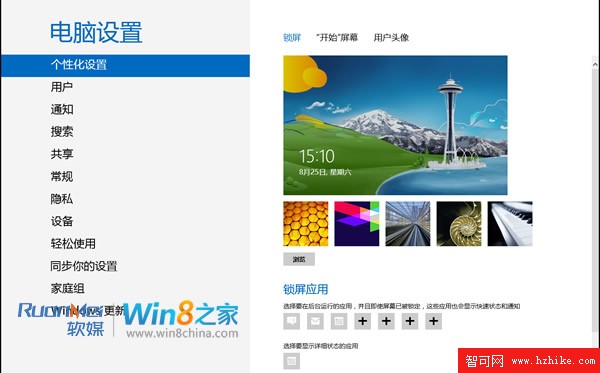
%ProgramData%\Microsoft\Windows\Start Menu\Programs 進入目錄。顯示名稱.{CLSID},例如:計算機.{20D04FE0-3AEA-1069-A2D8-08002B30309D}shell32.dll 下的項目,或參考網上整理表。此法利用 Windows 原生機制,DIY 專屬開始選單,緩解習慣問題。
Windows 8 內建 Windows Defender 完整使用指南:啟用、掃描、釘選工作列、加入右鍵選單掃描特定資料夾
Windows 8 關機大全:五種方法讓您優雅告別「強制斷電」尷尬
Windows 8 開始畫面磚最大列數修改:登錄編輯法限制顯示行數
Windows 8/8.1 開啟資料夾緩慢無回應?關閉 Windows Defender 掃描或關閉索引即可改善
Windows 8 刪除內建輸入法技巧:繞過灰色刪除鈕的隱藏邏輯
預裝 Windows 8/8.1 筆電 OEM 產品金鑰查詢三大法
Windows 8.1 桌面建立 IE 捷徑教學:找回瀏覽器圖示
VMware 8 虛擬機安裝 Win8 客戶預覽版完全攻略(第 3 部分):網路類型、I/O 控制器、虛擬磁碟建立與配置