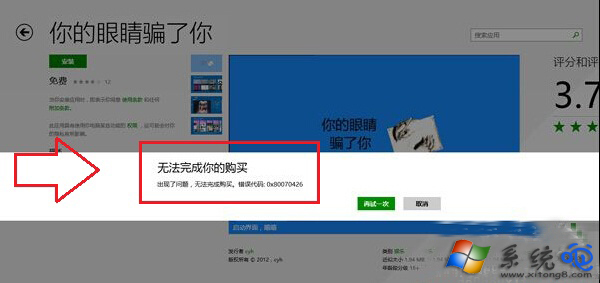
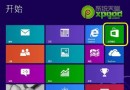
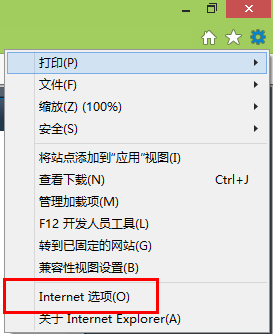
應用程式商店購買/下載出現 0x80070426,主因第三方安全軟體(360、百度衛士、騰訊電腦管家、卡巴斯基等)即時掃描攔截商店交易流程。暫時關閉/退出安全軟體再操作通常即可成功。
0x80070426
wsreset.exe
wsreset
Windows 8 設定媒體串流完整步驟圖解
簡單設定讓 Win8 桌面更適合觸控操作:調整 DPI 縮放與指定文字大小
Win8 螢幕鍵盤開啟教學:三種喚出虛擬鍵盤的方法
Win8.1 Update 1 正確安裝順序與補丁包說明 (KB2919355 等)
Windows 8 設定開機自動登入(免輸入密碼)圖文教學
Win 8 登入 QQ 後取消自動啟動 QQ 寵物 設定介面關閉選項
Win8 應用商店進不去、應用程式閃退怎麼辦?官方四步修復流程
Windows 8 應用商店無法連線解決方法