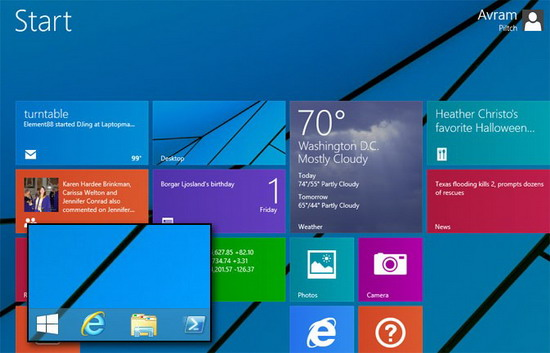
Windows 8 內建天氣應用預設顯示華氏度,習慣攝氏度的用戶可依下列步驟切換:
設定即時生效,無需重開機。簡單三步驟即可讓天氣資訊符合本地閱讀習慣。
Win8 桌面捷徑左下角出現黑方塊?騰訊電腦管家一鍵修復
華碩筆電 Win 8 還原出廠系統 官網下載 ASUS Recovery 執行
解除 Win8 Modern 應用網路隔離:群組原則 vs CheckNetIsolation 實戰教學
Win8 Metro 應用程式無法開啟三大原因與解決方案
Windows 8 精選應用推薦:百度文庫、百度貼吧、我只在乎你、ALSee 圖片編輯、鯊魚向前衝遊戲
Windows 8 以系統管理員身分開啟命令提示字元 (CMD) 三大快速法
Win8 人脈應用聯繫人鏈接功能圖文教程:整合多社交帳戶同一聯繫人
98 元升級 Windows 8 Pro 完整圖文教學:含註冊、PayPal 付款、升級助手安裝