Windows 8 進入睡眠或休眠後喚醒預設要求密碼,保護資料安全。若需啟用/停用此功能,提供兩種設定入口:
方案一:電腦設定(Modern 介面)
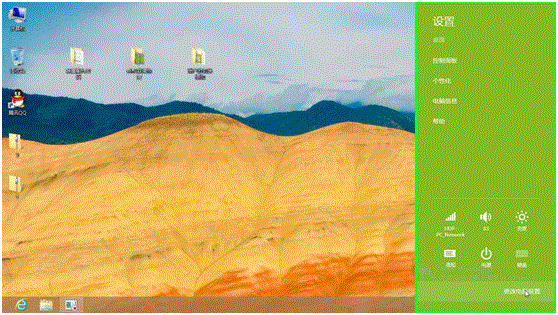
- 開始畫面 Win+I →「設定」→「變更電腦設定」。
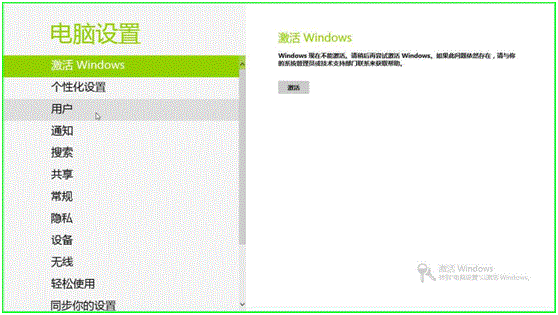
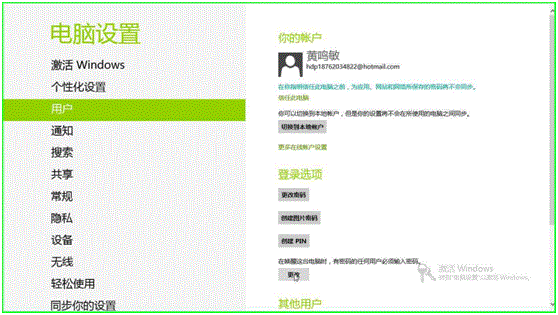
- 左側選「使用者」→ 右側「登入選項」區點擊「變更」。
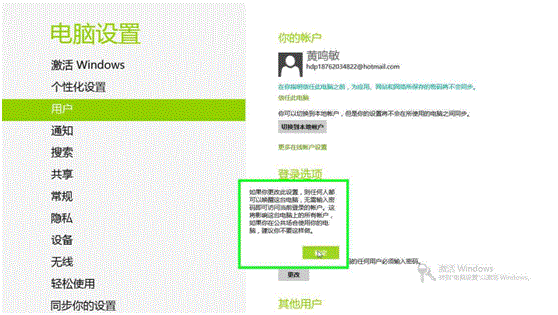
- 在「喚醒時需要密碼」選擇「需要」或「不需要」→「儲存」。
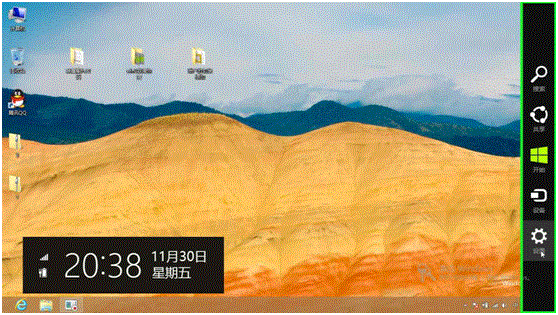
方案二:控制台電源選項(傳統桌面)
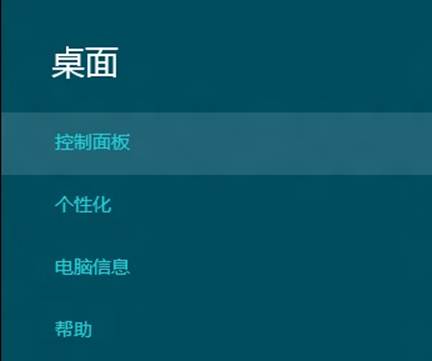
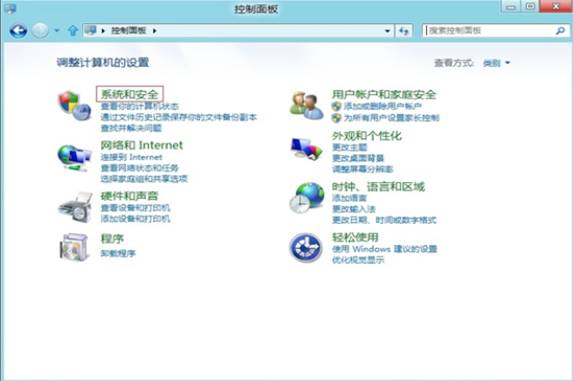
- 右下角滑入 →「設定」→「控制台」。
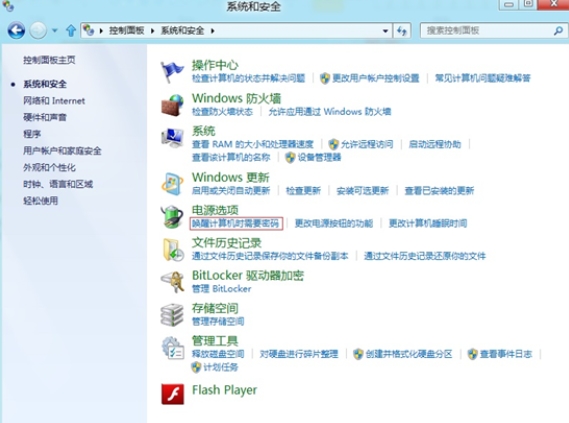
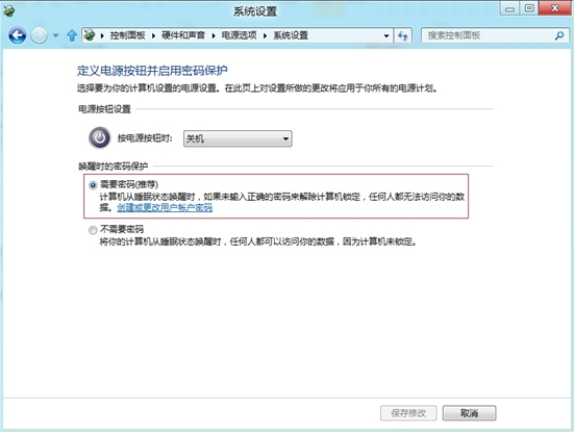
- 「系統和安全性」→「電源選項」→ 左側「喚醒電腦時需要密碼」。
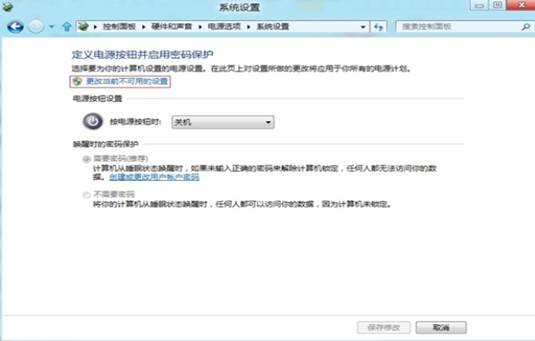
- 點擊「變更目前無法使用的設定」→ 選「需要密碼」或「不需要密碼」→「儲存變更」。

建議: 攜帶筆電外出、共用電腦環境請啟用密碼保護;獨立桌機居家使用可停用以求便利。