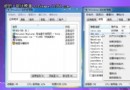
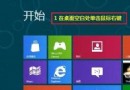
IE10 保護模式 (Protected Mode) 以低權限程序執行瀏覽器內容,限制惡意程式寫入系統區域:
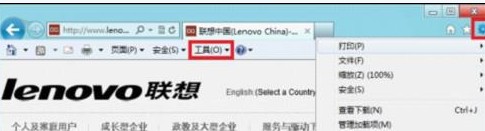
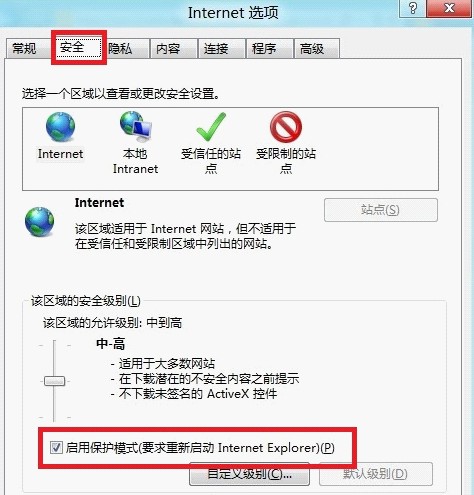
注意:保護模式預設針對「網際網路」與「受限制的網站」區域啟用,「區域內部網路」與「信任的網站」預設關閉。企業環境可透過群組原則強制啟用所有區域。若相容性問題 (舊版 ActiveX 元件失效),可暫時關閉該區域保護模式,但建議尋求廠商更新相容版本。
Windows 8 應用商店設定付款帳戶教學:支援 Visa/MasterCard 信用卡
全能播放器 VLC for Windows 8 即將上架:Metro 版通過商店審核,功能對齊桌面版
Windows 8 藍屏錯誤代碼 0x00000018:安全模式移除衝突驅動/軟體
Win8 開機卡在「正在掃描和修復磁碟機」?C 槽檢查修復解決
Windows 8 在 Metro 介面切換後台應用:觸控滑動與滑鼠熱區雙模操作
Win8 「需要權限執行此操作」一鍵解決:匯入註冊表取得管理員擁有權
Windows 8.1 Update 更新失敗錯誤 800F0922/80073712 修復:DISM 移除補丁→清理映像→離線安裝 KB2919355