華碩筆電 Win 8 還原出廠系統:
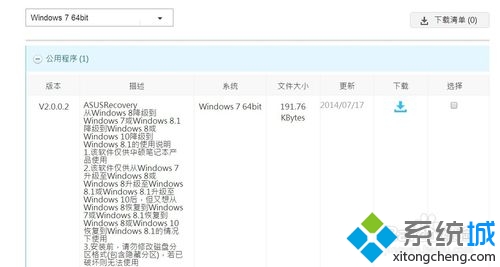
asus recovery
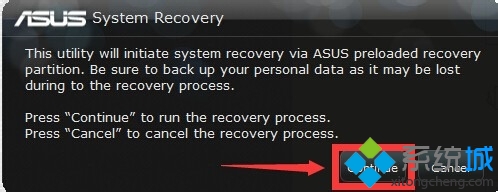
ASUS Recovery
耐心等待即可將系統還原至出廠狀態。
升級 Windows 8 系統必知九大注意事項:硬體需求、相容性、安裝媒體與授權完整指南
Win8.1 如何進入安全模式?msconfig 設定安全啟動 + 重開機自動進入
Win8 動態磁貼小知識:不打開應用也能看最新內容
Win8 看圖發黃?ICC 色彩設定檔衝突一鍵修正
Win8 簡報模式開關:行動中心筆電專用一鍵切換
Win8 必學 25 個 Windows 鍵組合鍵,效率倍增速查表
Windows 8 與 Windows RT 差異詳解:版本選購指南
Win 8 IE 瀏覽器閃退?移除其他瀏覽器重裝即可解決