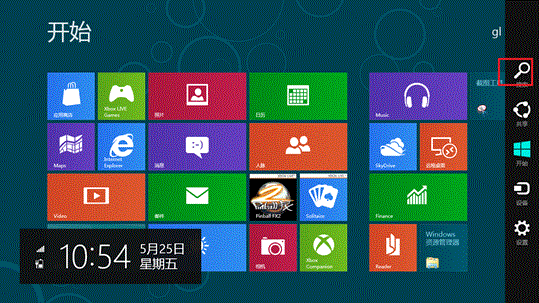
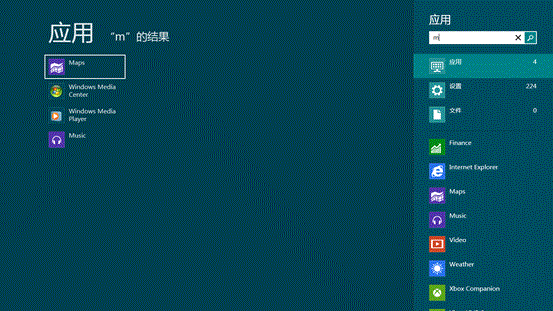
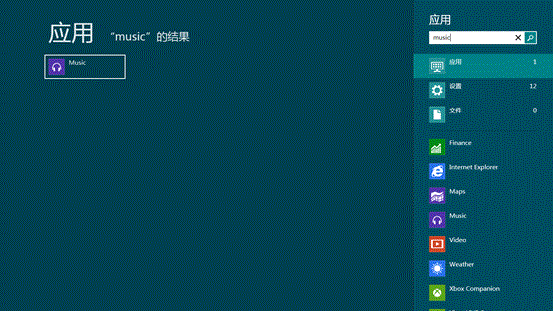
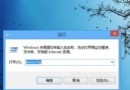
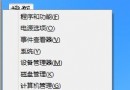
Windows 8 內建強大的應用程式搜尋功能,支援模糊搜尋,可快速找到安裝的 Metro 應用程式。
Win8.1 Update安裝後黑屏無法開機?原因分析與應對方案
Windows 8 相容防毒軟體查詢指南:微軟相容性中心官方清單
Win8.1 關機新玩法:內建 SlideToShutDown 滑動關機功能啟用與捷徑建立
Windows 8 無線網卡亮燈卻搜尋不到訊號?啟用 WLAN AutoConfig 服務解決
Windows 8 推進至 Build 8063 仍屬 M3 階段 BUILD 大會將首度公開亮相
Windows 8.1 找回傳統開始選單完整指南:手動建立工具列與 Classic Shell 兩大方案
Windows 8 網路連線異常「小驚嘆號」無法上網?一鍵重置網卡解決
Win8系統C盤無法重命名?教你通過註冊表輕松解決