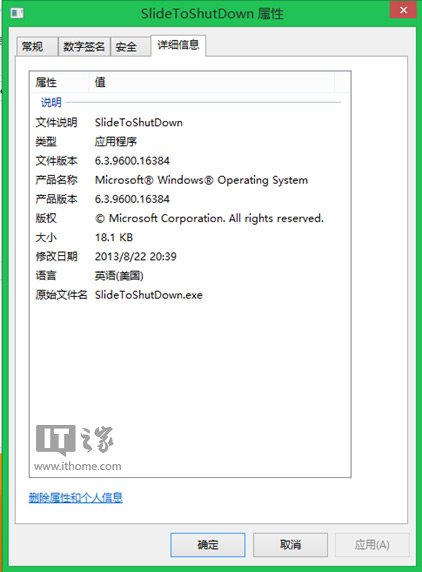
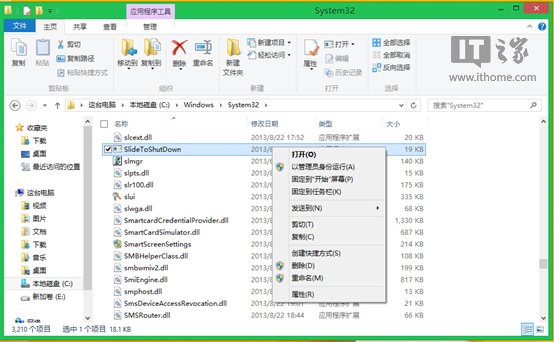
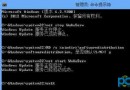
Win8.1 新增 SlideToShutDown.exe 提供觸控友善的滑動關機體驗。啟用方式:
SlideToShutDown.exe
C:\Windows\System32\SlideToShutDown.exe
Windows 8.1 刪除休眠檔案釋放 C 槽空間兩大妙招
Win8.1 關閉 UAC 使用者帳戶控制完整教學
Windows 8 Release Preview 免序號安裝技巧:EI.CFG 檔案跳過產品金鑰驗證
Win8 快速搜尋應用程式教學:開始畫面關鍵字搜尋與啟動
Win8 修改滑鼠雙擊速度:Charms 搜尋滑鼠設定靈敏度調整
Win8 跳出「COM Surrogate 已停止運作」?將 dllhost.exe 加入 DEP 例外排除清單
Windows 8 快速找到計算機:開始畫面「所有應用程式」三步驟定位
Windows 8 消費者預覽版關機方法大全:5 種標準方式 + 捷徑建立技巧