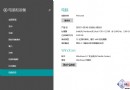
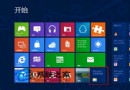
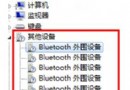
Windows 8 更新顯示器驅動後自動套用新 ICC 色彩設定檔,導致顯示卡與螢幕色彩管理衝突,所有看圖軟體畫面泛黃。修正步驟:
套用標準 sRGB 設定檔後,色彩立即恢復正常。
Windows 8 筆電建立 Wi-Fi 熱點共享網路:netsh 啟用託管網路 + ICS 連線共用完整指令教學
防止外洩 微軟為 Windows 8 加裝特殊產品金鑰鎖定機制
Windows 8 排程備份完整設定教學:使用 Windows 7 檔案復原定期保護系統
Win 8 設定桌面鎖定畫面壁紙 透過電腦設定→鎖定畫面選擇圖片
Windows 8/8.1 關閉鎖定畫面兩大法:登錄編輯器與群組原則(含副作用說明)
Windows 8 建立 VHD 虛擬硬碟完整教學:磁碟管理原生支援、掛載、初始化、分區