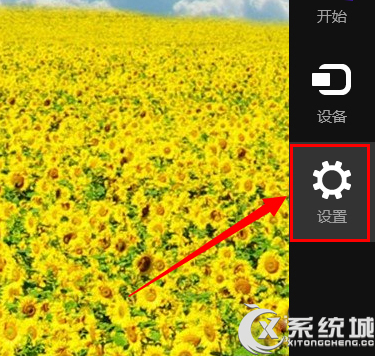
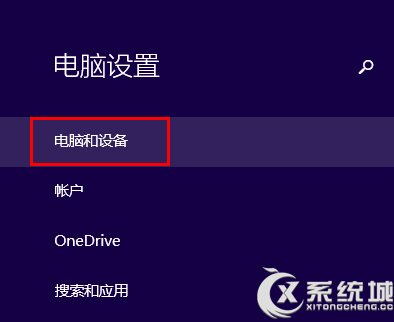
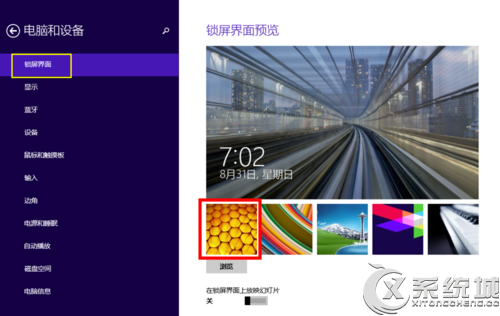
Win 8 設定鎖定畫面壁紙:
鎖定畫面即刻更新為自訂壁紙。
不容忽視的 Windows 8 底層功能與開發平台:WinRT、Hyper-V、Windows To Go、AppLocker
Win8.1 IE11 無法上傳圖片到 QQ 空間?關閉保護模式與增強保護模式即可解決
Windows 8 Microsoft 拼音輸入法深度體驗:雲端詞庫、外觀客製、輸入體驗全面升級
Win 8 關閉「操作中心」提示:選擇性關閉項目或徹底移除圖示
Windows 8 iSCSI 發起程式設定教學:連線網路儲存裝置的完整步驟
升級 Windows 8 前必讀:硬體檢查、快捷鍵與必裝 Metro 應用
Windows 8 採雲端授權新機制 徹底改寫反盜版遊戲規則
Win8 找不到資料夾選項?檔案總管「檢視」索引標籤一鍵直達