不習慣 Modern UI 的傳統桌面使用者,可透過修改登錄禁用 Metro 介面,重啟後直接進傳統桌面環境。
regedit。HKEY_CURRENT_USER\Software\Microsoft\Windows\CurrentVersion\Explorer。RPEnabled 值從 1 改為 0。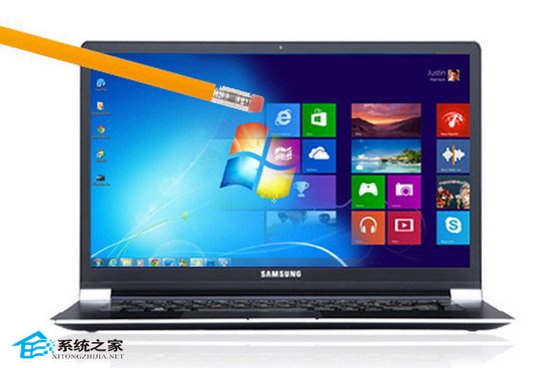
Modern UI 消失,操作體驗回歸 Win7/XP 風格,適應傳統使用者習慣。
Win8.1 Update 提升 OneDrive 上傳速度:修改 global.ini 增加並行上傳執行緒至 3
Win8 手動清理 Windows.old 釋放磁盤空間:磁盤清理工具圖文步驟
Win8 內建「數學輸入面板」:手寫輸入複雜公式,論文寫作神器
Win8 RP 版三種安裝方法完整比較:升級、USB、VHD 虛擬硬碟
Windows 8 網路連線故障完整排查指南:網線、IP、診斷、撥號、驅動、ISP 六大面向
Windows 8 IE10 還原進階設定完整教學:重設瀏覽器預設值與風險提醒