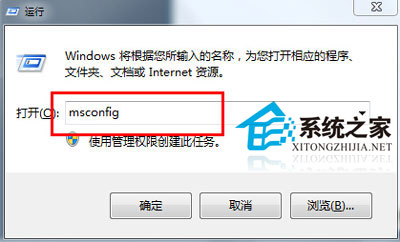
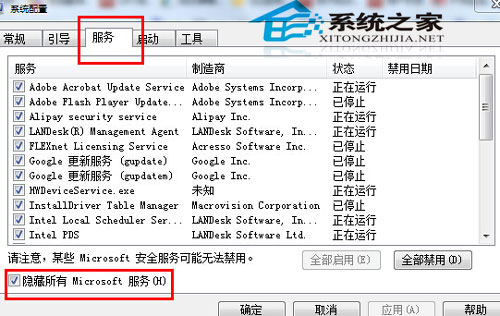
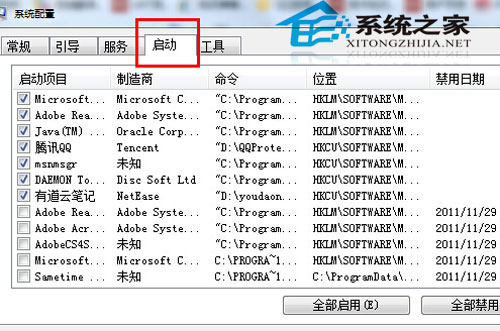
msconfig
注: 本文內容與 ID 17009 方案一致,均為乾淨啟動排查第三方衝突。
解決 Win8 硬碟指示燈持續閃爍、CPU 佔用 20-30%:退出家庭群組即時生效
Windows 8 假死頻發?四大主因與對應解法完整整理
Win8 系統卡頓怎麼辦?調整虛擬記憶體釋放實體記憶體壓力
Windows 8 快速解除安裝 Metro 應用教學:開始畫面/所有應用兩大入口操作指南
Windows 8 啟用 BitLocker 磁碟加密完整教學:保護資料安全的必備技能
Win8.1 主題完全指南:構成、創建、保存、共享、刪除、獲取更多
安裝 Win8.1 開機錯誤 0xC0000225?BCD 引導修復與 BIOS 設定排查
Win8 導致筆記型電腦鍵盤失靈:中國銀行網銀護盾驅動衝突 ELAN 觸控板驅動