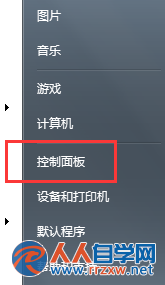
Win7 區域連線無法啟用或停用,可能涉及 Cryptographic 服務、系統檔案損毀或裝置管理員狀態異常。本文提供三套遞進式修復方案。
方案一:重設 Cryptographic Services 與 Catroot2 資料夾
- 服務管理員中停用 Cryptographic Services。
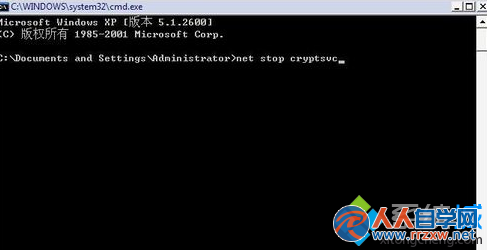
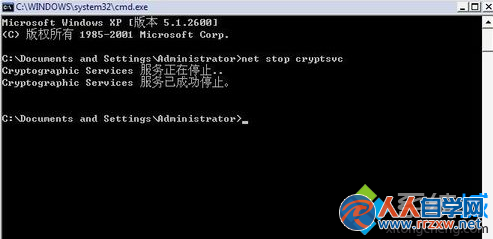
- 將
C:\Windows\System32\catroot2 重命名為 oldcatroot2。
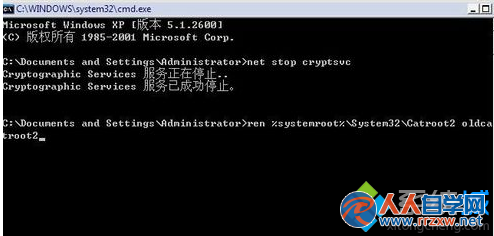
- 重新啟用 Cryptographic Services,嘗試啟用/停用區域連線。

方案二:裝置管理員停用/啟用網卡
- 右鍵「電腦」→「管理」→「裝置管理員」。
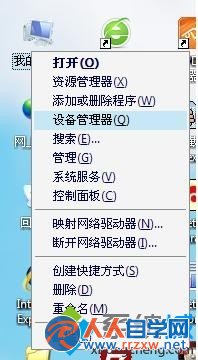
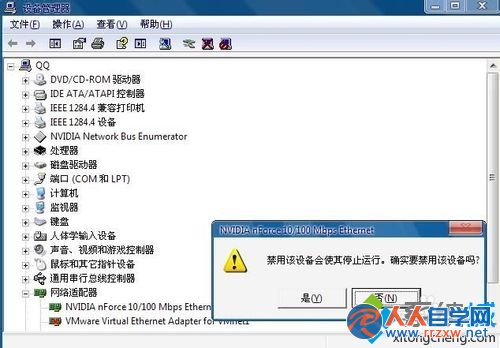
- 展開「網路介面卡」,右鍵目標網卡 → 「停用裝置」→ 確認。
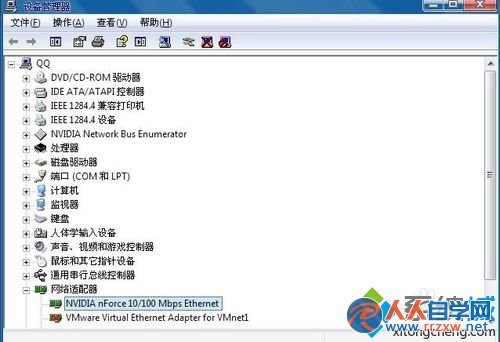

- 再次右鍵 → 「啟用裝置」。

方案三:命令提示字元重設網路堆疊
以系統管理員身分執行 netsh winsock reset 並重開機。
建議依序嘗試方案一至三,多數情況下方案二即可解決。