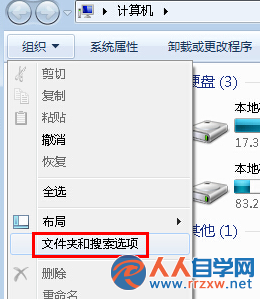
圖示快取檔 IconCache.db 損毀,導致系統無法正確讀取圖示影像,顯示預設白底/空白圖示。
cmd 開啟命令提示字元。
taskkill /im explorer.exe /f
cd /d %userprofile%\AppData\Local
del IconCache.db /a
start explorer.exe
exit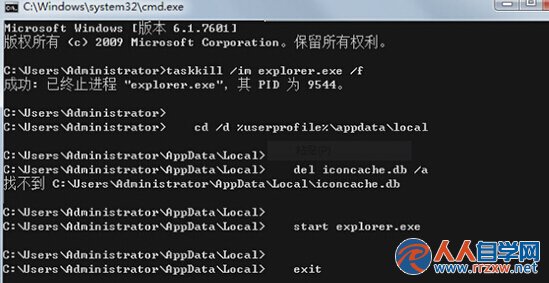
taskkill /im explorer.exe /f:強制結束檔案總管(釋放 IconCache.db 鎖定)。cd /d %userprofile%\AppData\Local:切換至快取資料夾。del IconCache.db /a:刪除損毀的圖示快取檔(含隱藏/系統屬性)。start explorer.exe:重新啟動檔案總管,系統自動重建乾淨快取。若不習慣指令,可用 CCleaner 或 Wise Care 365 等工具一鍵清理「圖示快取」後重開機。