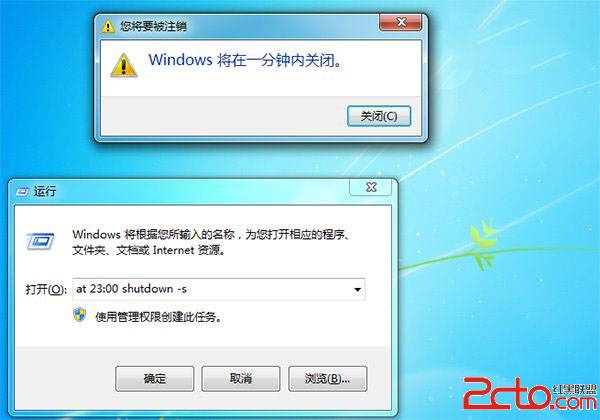
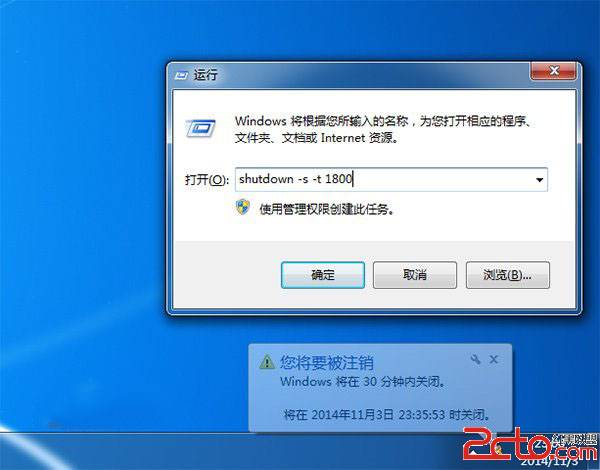
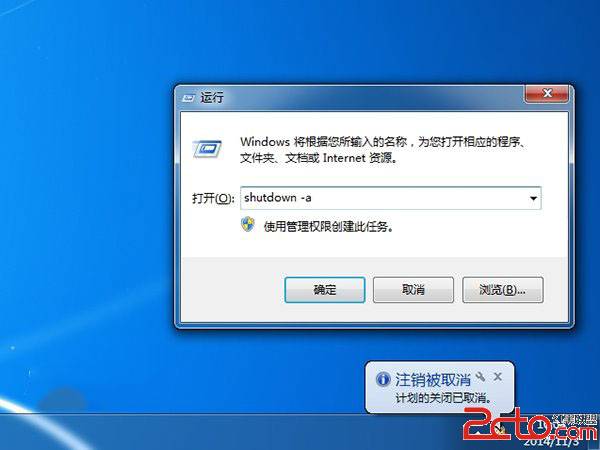
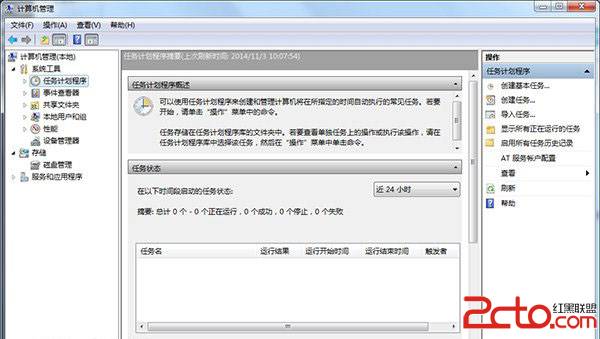
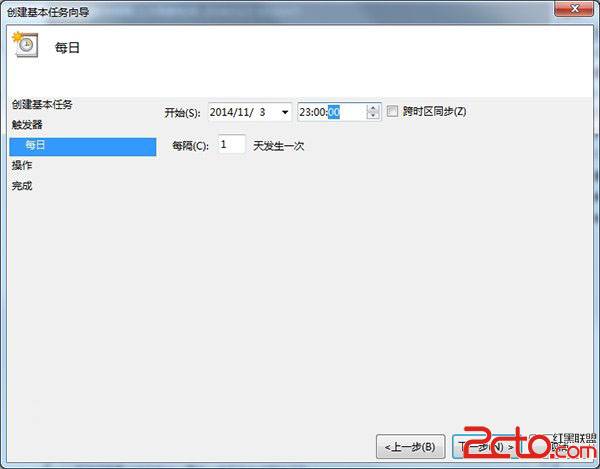
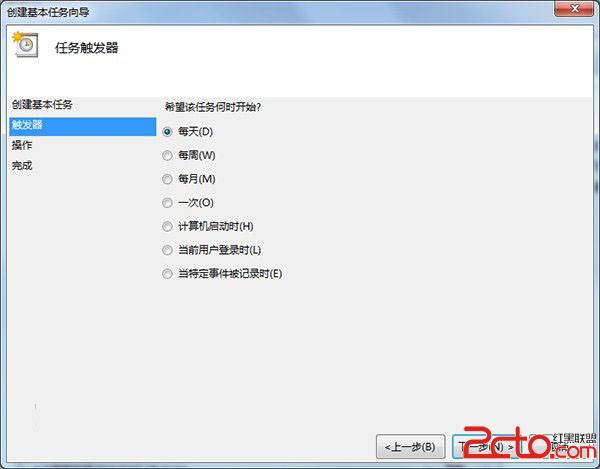
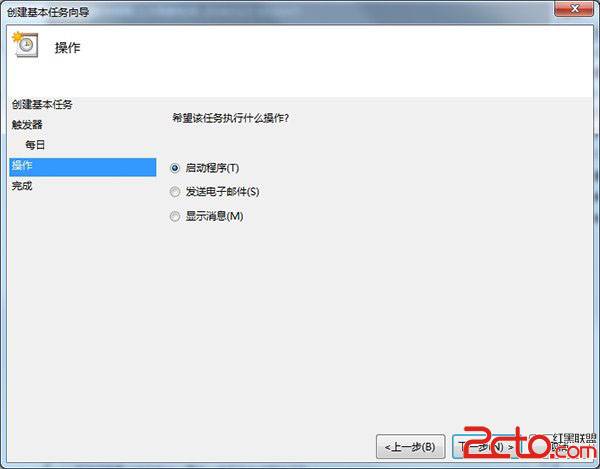
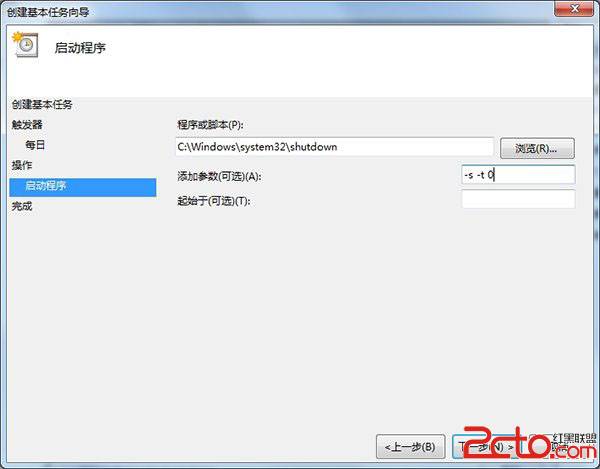
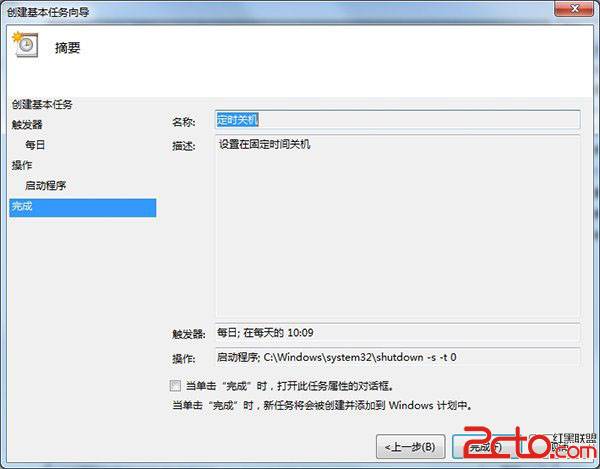
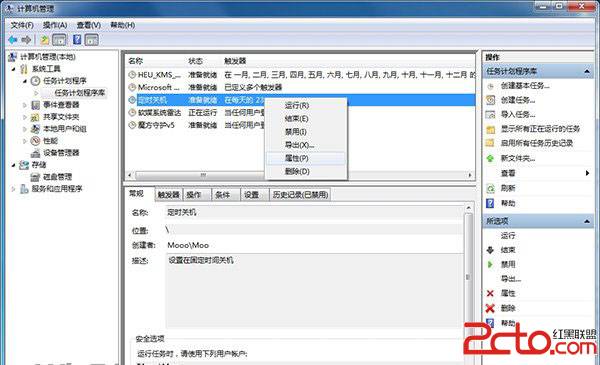
Win7 設定自動關機有兩種常用方法:
at 23:00 shutdown -s
shutdown -s -t 1800
shutdown -a
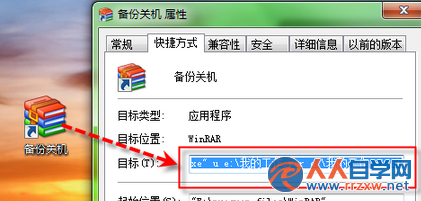
C:\Windows\System32\shutdown.exe
-s -t 0
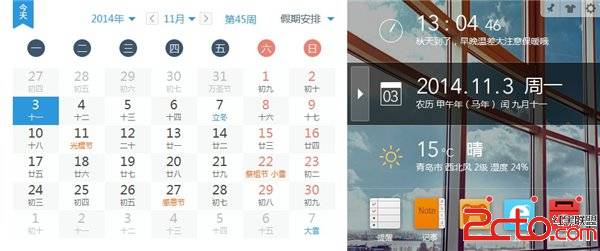
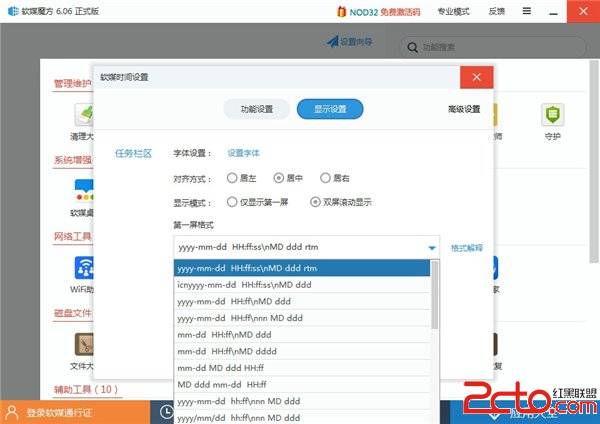
軟媒魔方「軟媒時間」可自訂任務列時鐘樣式,功能豐富。
Windows 7 旗艦版藍牙驅動安裝失敗?DISM 離線安裝 CAB 套件完整解決方案
Win7 開機顯示 0xC0000428 錯誤?Windows 安裝光碟修復啟動
Windows 7 + Ubuntu 雙系統:正確卸載 Ubuntu 並修復 Windows 引導(避免 grub rescue)
Win7 減少關機等待時間,加快關機速度的註冊表技巧
Win7 筆電工作列電源圖示不見了?群組原則+系統圖示兩步找回
Win7 禁用 DirectDraw 解決視訊截圖黑畫面
Win7 禁用 IPv4 自動配置位址 (169.254.x.x) 解決靜態 IP 衝突
Win7 建立系統映像備份:災難還原關鍵步驟圖文教學