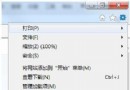
重裝 Win7 後 IE 瀏覽特定網站出現憑證錯誤,需用 MMC (Microsoft Management Console) 開啟憑證管理單元刪除錯誤憑證。
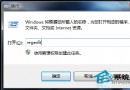
mmc 開啟主控台。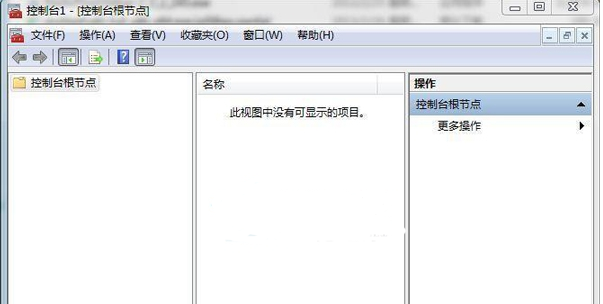
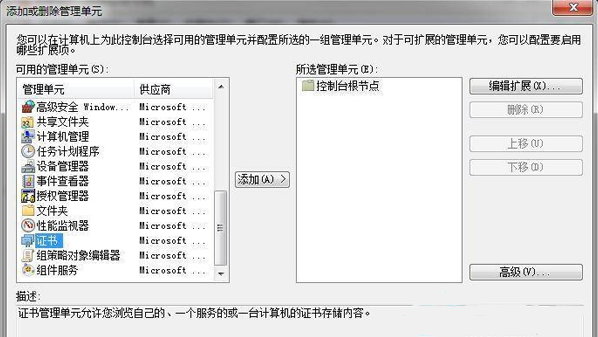
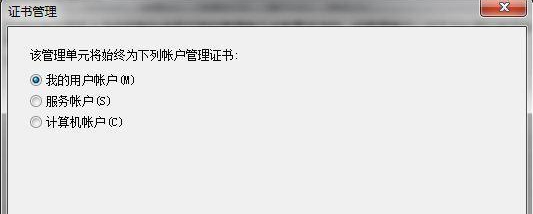
刪除後重開 IE,網站憑證錯誤即可解除。亦可依同樣方式管理電腦帳戶層級憑證。
Win7 Aero Peek 預覽桌面功能關閉怎麼開啟?三種啟用方法完整教學
Win7 安裝顯卡驅動後花屏/藍屏?安全模式卸載驅動 + 重裝正確版本完整解決
Win7 無法安裝字體?修復 Fonts 資料夾 desktop.ini 損壞、字體檔案相容性與權限問題
Win7 360 寬頻測速器怎麼開?360 安全衛士主介面 → 寬頻測速按鈕一鍵測試
Win7 安裝印表機驅動失敗?啟動 Print Spooler 服務、控制台新增印表機雙管齊下
從 XP 升級到 Windows 7 完整步驟:使用 Windows Easy Transfer 遷移資料