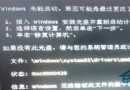
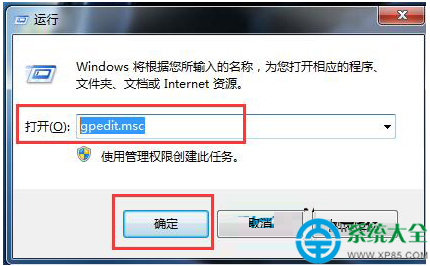
Win7 瀏覽網頁出現 ERR_EMPTY_RESPONSE 錯誤,通常是系統 DLL 註冊遺失或 hosts 檔案異常。提供批次檔修復與重設 hosts 兩種方案。
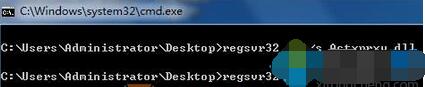
regsvr32 /i /s Actxprxy.dll
regsvr32 /i /s Browseui.dll
regsvr32 /i /s Jscript.dll
regsvr32 /i /s Shdocvw.dll
regsvr32 /i /s Oleaut32.dll
regsvr32 /i /s Mshtml.dll
regsvr32 /i /s Urlmon.dll
regsvr32 /i /s Vbscript.dll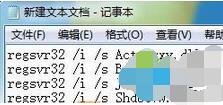
修復網頁無法開啟.bat(副檔名必須為 .bat),雙擊執行自動修復。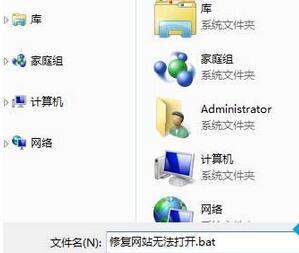
C:\Windows\System32\drivers\etc\hosts(用記事本)。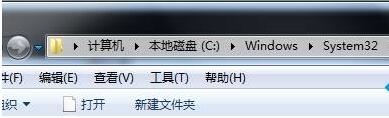

127.0.0.1 localhost,存檔後重開機。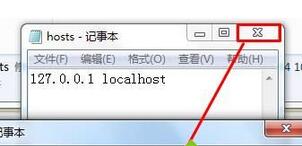
兩種方法通常能解決 90% 的 ERR_EMPTY_RESPONSE 問題。