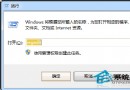
Win7 點擊 PDF 檔案出現關聯錯誤,無法以預設程式開啟。刪除登錄檔中損壞的關聯值,即可重新選擇開啟程式。
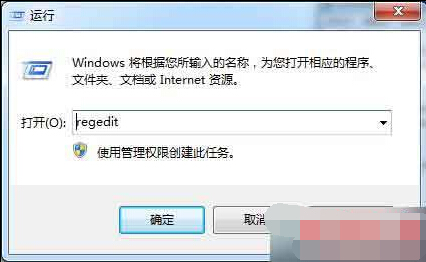
regedit
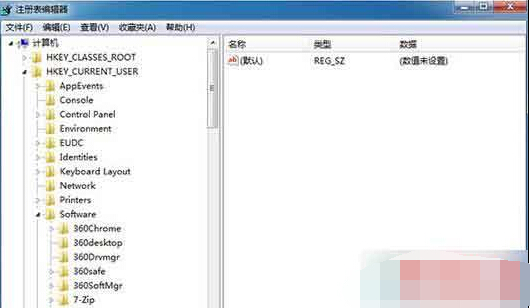
HKEY_CURRENT_USER\Software\Microsoft\Windows\CurrentVersion\Explorer\FileExts\.pdf
關閉登錄編輯器後,重新雙擊 PDF 檔案,系統會詢問開啟方式,選擇慣用的 PDF 閱讀器並勾選「永遠使用此應用程式開啟 .pdf 檔案」即可恢復正常關聯。
Win7 瀏覽網頁彈出「目前頁面的指令碼發生錯誤」三大修復法
Windows 7 旗艦版 CMOS 設定啟用進階電源管理(APM):關閉喚醒事件節省電力
Windows 7 開機黑屏僅顯示滑鼠游標?六大排查步驟搶救桌面
Win7 移除右鍵選單「小工具」:登錄刪除 Gadgets 機碼,可選同步移除 Personalize
聯想筆電 Win7 內建獵豹瀏覽器卸載不掉?三大徹底移除法
Win7 桌面變黑並提示「此 Windows 副本不是正版」兩大解決方案
2015 年 4 月作業系統市場份額:Win7 微增、XP 仍居次、Win8.1 成長
開機進入桌面卻空無一物?Explorer.exe 掛掉了,教你三招救回桌面