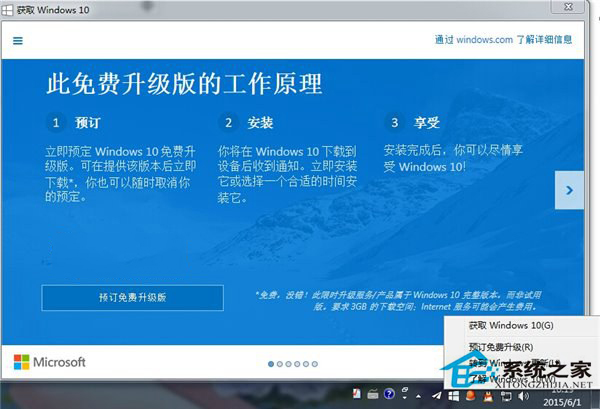
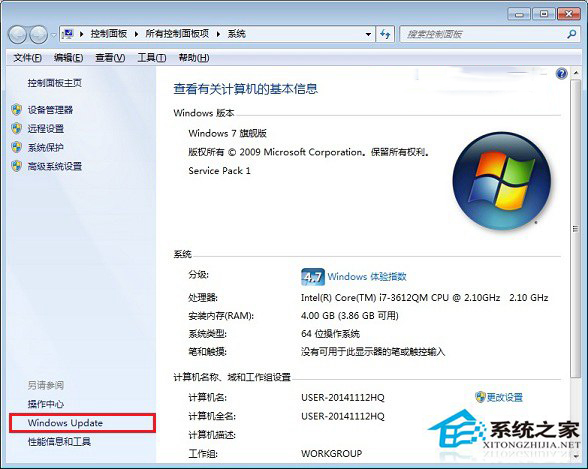
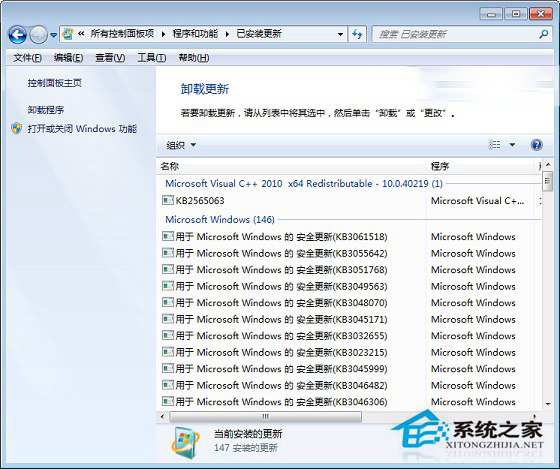
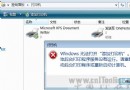
正版 Win7/8 可透過 Windows Update 免費升級 Win10,若不想升級,可移除升級相關更新與程式徹底關閉提示。
若已自動下載升級助手,前往 C:\Windows\System32\GWX 刪除 GWX.exe 及相關檔案。
C:\Windows\System32\GWX
GWX.exe
建議兩種方法皆執行,徹底移除升級提示。Win10 初期版本較不穩定,建議等待成熟版本再升級。
Win7 建立系統還原點:系統保護啟用、手動創建還原點、還原系統狀態完整圖文教學
Win7 系統 360 免費 WiFi 建立失敗?驅動修復全攻略
揭秘 Windows 7 十九大改進功能:任務列、視窗管理、程式庫、家庭群組、UAC 精細控制等
Win7 啟用自動鎖定螢幕保護隱私的設定教學
Win7解決「應用程式無法正常啟動 0xc000007b」:32/64位元不匹配、DLL缺失、DirectX/C++修復
筆記本 i5-4200M vs i5-4200H:性能差距極小,實際體驗幾乎一致
Win7 耳機插上沒聲音?硬體/驅動/設定三級排查法
Win7 雙擊「電腦」彈出「系統調用失敗」?兩招解決:IE 呼叫 explorer.exe / 結束殺毒軟體衝突