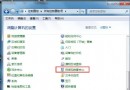
按住滑鼠左鍵無法拖曳檔案,通常是群組原則中「禁止拖放」被啟用所致。透過 gpedit.msc 即可快速恢復。
操作步驟
- 開啟本機群組原則編輯器
Win + R → 輸入 gpedit.msc → 確定。
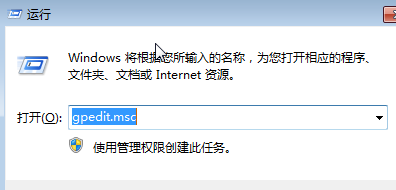
- 定位並停用「禁止拖放」原則
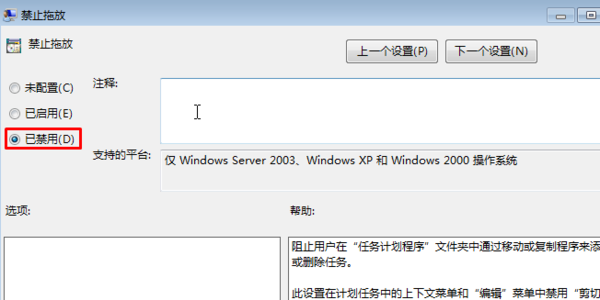
依序展開:
電腦設定 → 系統管理範本 → Windows 元件 → 工作排程器
找到 禁止拖放 → 雙擊開啟 → 選擇 已停用 或 未設定 → 套用/確定。
- 重新開機生效
重新啟動電腦後,滑鼠拖曳移動檔案功能即恢復正常。
補充說明
- 此原則常被優化軟體或病毒誤啟用,導致桌面/總管拖放失效。
- 若找不到「工作排程器」節點,請確認 Windows 版本為 Professional/Enterprise/Ultimate(家用版無 gpedit.msc,需透過登錄修改
HKEY_CURRENT_USER\Software\Microsoft\Windows\CurrentVersion\Explorer\Advanced\DragDropSimple 設為 1)。