Windows XP Windows 7 Windows 2003 Windows Vista Windows 綜合教學 Linux 系統教學
Windows 10 Windows 8 Windows 2008 Windows NT Windows Server 電腦軟體教學

Win7 利用 Shutdown.exe 實現定時關機:指令參數完整說明

編輯:Win7 系統應用技巧

Windows 內建 Shutdown.exe 位於 C:\Windows\System32\,為主控台程式,需帶參數執行。透過「執行」對話框即可快速設定定時關機。

常用指令範例

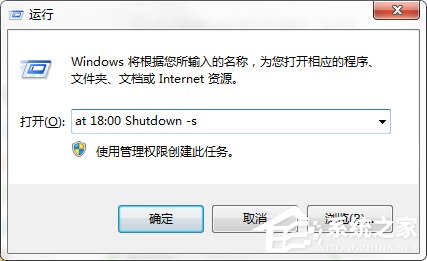
  • 指定時間關機: at 18:00 Shutdown -s(每日 18:00 關機)
  • 倒數秒數關機: Shutdown.exe -s -t 1800(1800 秒 = 30 分鐘後關機)
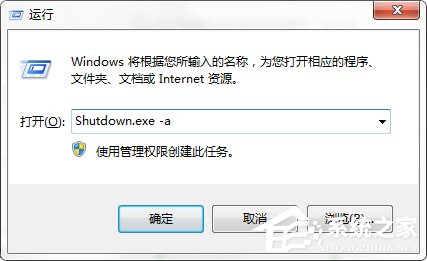
  • 取消排程: Shutdown.exe -a

操作步驟

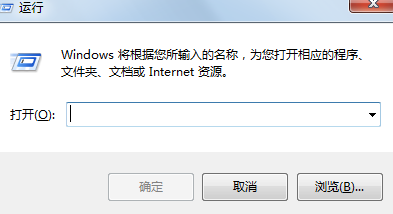
  1. Win+R 開啟「執行」。
  2. 輸入上述指令按 Enter。
  3. 系統提示已設定排程,時間到自動關機。

執行對話框

取消排程

完整參數查詢

執行 Shutdown /? 可查看所有參數:-r 重啟、-h 休眠、-f 強制關閉應用程式、-c "訊息" 顯示倒數提示訊息等。

善用此功能,下載大檔、跑測試時無需守候電腦。

Copyright © Windows教程網 All Rights Reserved