Windows XP Windows 7 Windows 2003 Windows Vista Windows 綜合教學 Linux 系統教學
Windows 10 Windows 8 Windows 2008 Windows NT Windows Server 電腦軟體教學

Win7 檔案總管(explorer.exe)意外關閉怎麼辦?三鍵喚醒任務管理器秒速重啟

編輯:Win7 系統應用技巧

Win7 桌面突然消失、工作列不見、右鍵無反應,通常是 explorer.exe 掛掉。此時滑鼠雖無法操作介面,但鍵盤快捷鍵仍有效。以下提供最快恢復流程。
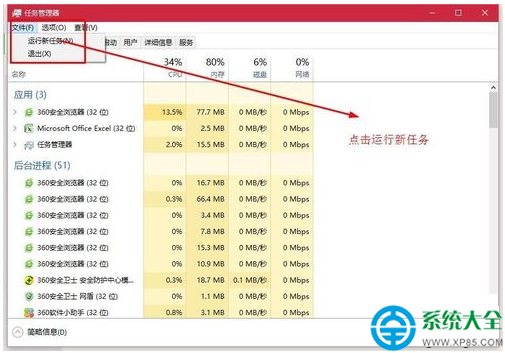
極速恢復三步驟(30 秒搞定)

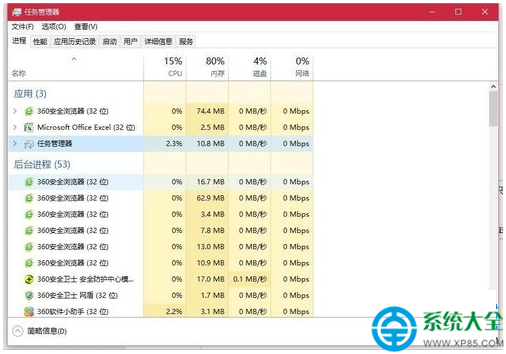
  1. 喚出工作管理員:按 Ctrl + Alt + Del → 選 「啟動工作管理員」。
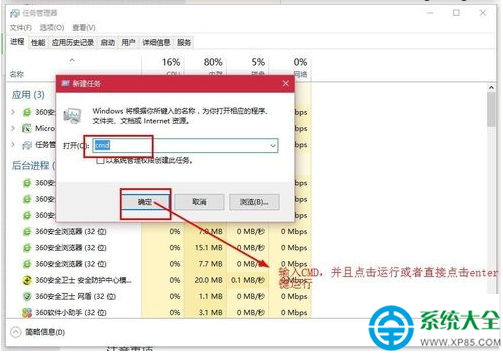
  2. 建立新工作:工作管理員選單列 檔案 → 新增工作 (執行...)。
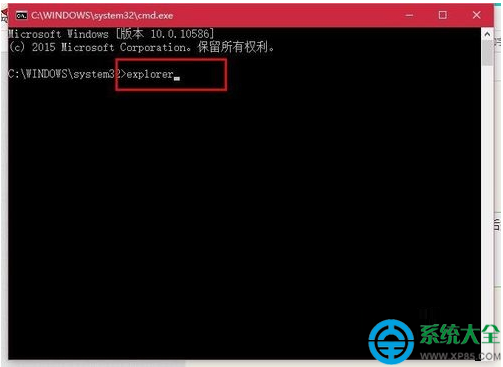
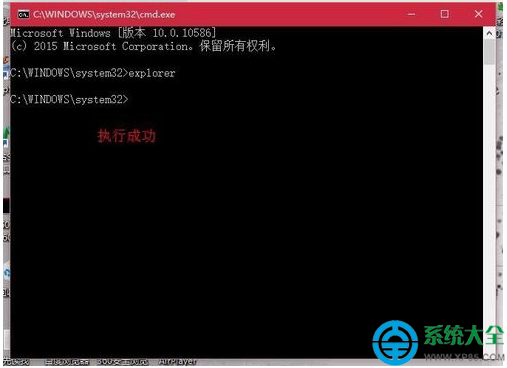
  3. 輸入 explorer 按 Enter:在「開啟」欄鍵入 explorer → 確定。

桌面、工作列、系統匣圖示即刻恢復正常。
進階:若 explorer 頻繁自動關閉

  1. 掃毒:完整掃描排除惡意程式注入。
  2. 檢查第三方殼擴充:使用 ShellExView 停用非 Microsoft 擴充(右鍵選單工具、雲端同步圖示等)。
  3. 系統檔修復:管理員 CMD 執行 sfc /scannow。
  4. 登錄檔修正:確認 HKEY_LOCAL_MACHINE\SOFTWARE\Microsoft\Windows NT\CurrentVersion\Winlogon 下 Shell 值為 explorer.exe,無額外字串。

替代指令法(CMD 熟手適用)

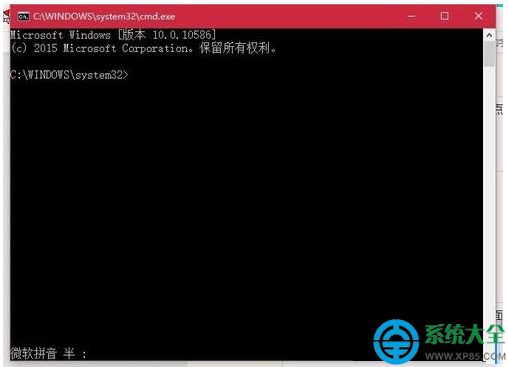
工作管理員 → 檔案 → 執行新工作 → 輸入 cmd → 在命令提示字元輸入:

taskkill /f /im explorer.exe
start explorer.exe

掌握 Ctrl+Alt+Del → 新增工作 → explorer 這組組合鍵,Win7 桌面消失不再慌,隨時能秒速救場。

Copyright © Windows教程網 All Rights Reserved